Creating a logo is one of the most important steps when it comes to building a brand. But beyond design and creativity, there’s another critical factor many businesses overlook: copyright safety.
Using stock icons, copied graphics, or unclear licenses can create serious legal problems down the road. That’s why choosing a logo maker that clearly outlines commercial rights and originality standards is essential. This will help you avoid some legal issues in the long term.
3 Copyright‑Safe Logo Makers You Can Use
In this comparison, we will be focusing on three popular platforms that offer logo makers with copyright safety in mind: BrandCrowd, Logomakr, and DesignEvo.
We’ll explore things like copyright safety, licensing clarity, editing tools, and overall branding value.
What Makes a Logo “Copyright-Safe”?
Before comparing the platforms, here’s what to look for:
- Clear commercial usage rights
- Original or licensed design assets
- Transparency around ownership
- Access to vector files (for scaling and professional use)
- Options for exclusivity or extended licensing
Now let’s explore each tool individually.
1. BrandCrowd
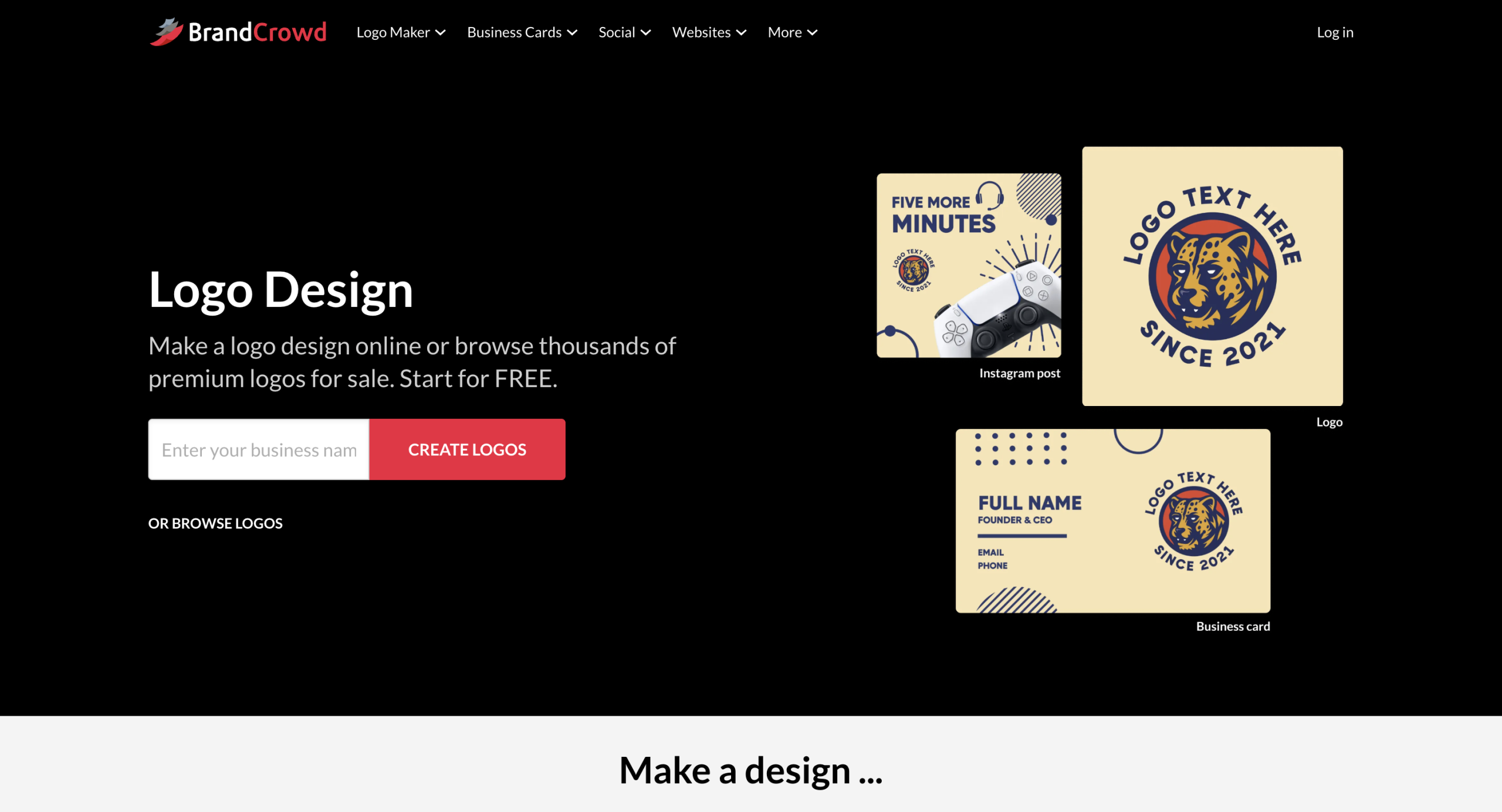
BrandCrowd positions itself as a professional AI-driven branding platform with a strong focus on originality and commercial safety.
How It Creates Logos
BrandCrowd uses an AI-powered logo generator combined with a very large template library.
It offers 380,000+ logo templates and over 1 million total design templates across the platform
Users enter their business name and keywords, and the AI generates logo variations based on professionally designed templates.
All logos available on BrandCrowd are exclusive to the platform. Here are some examples:
Copyright & Commercial Safety
BrandCrowd clearly states that:
- All designs are commercially safe
- Logos are checked for originality and quality
- A commercial license is included
In addition, BrandCrowd offers extended licenses, which allow users to remove certain logo templates from the public library for exclusive use.
This extended licensing option is particularly important for businesses concerned about uniqueness.
Customization & Editing
BrandCrowd includes:
- AI logo editing
- AI icon editing
- AI text editing via chat-style interface
- AI business name generator
- AI background remover
Users can modify things like fonts, colors, layout, shapes, and icons. The editor is also browser-based, and it’s very beginner-friendly.
The platform also includes:
- 750+ fonts
- 525+ exclusive fonts
- 62,000+ vector shapes
- 4. File Formats & Ownership
BrandCrowd offers a wide range of file formats:
- SVG, EPS, PDF (vector files)
- PNG & JPG
- Transparent background versions
- Icon-only files
- Animated formats (GIF & MP4)
Vector files are essential for professional scaling and print use.
Extra Branding Tools
BrandCrowd offers 50+ branding tools, including:
- Website builder
- Business cards
- Digital business cards
- Social media templates
- Flyers and posters
- QR codes
- Presentations
Templates automatically inherit brand colors, helping maintain visual consistency.
BrandCrowd holds a 4.8 Trustpilot rating with 9K+ reviews.
2. Logomakr
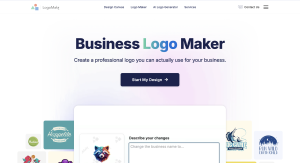
Logomakr takes a different approach. Instead of AI-generated logo suggestions, it focuses on manual design control.
How It Creates Logos
Logomakr uses a manual drag-and-drop editor rather than AI generation.
Users can choose icons, add text, and adjust layout manually.
There is no AI-driven suggestion engine. The design process depends entirely on user creativity.
Here are some logo examples from Logomakr:
Copyright & Commercial Safety
Logomakr provides:
- Free low-resolution logo downloads
- Paid high-resolution downloads with commercial rights
Commercial usage rights are included with paid purchases.
However, Logomakr does not advertise originality reviews or extended license removal options. Since users assemble logos from available icons, uniqueness depends on how the elements are combined.
Businesses should carefully review icon usage when aiming for maximum distinctiveness.
Customization & Editing
Logomakr provides:
- Full manual positioning control
- Drag-and-drop editing
- Text adjustments
- Color customization
It gives users more manual control than AI-based systems, but requires more effort.
There are no AI-assisted editing tools.
File Formats & Ownership
Paid plans provide:
- High-resolution raster files
- Vector files
- Full commercial rights
Free downloads are limited to low resolution.
Extra Branding Tools
Logomakr focuses almost entirely on logo design. It does not offer a large ecosystem of additional branding tools like website builders or social template systems.
It is best suited for users who want simple manual control without a broader branding platform.
3. DesignEvo
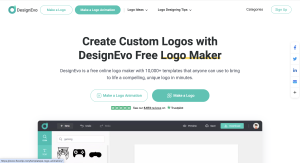
DesignEvo is another AI-assisted logo maker designed for quick logo creation.
How It Creates Logos
DesignEvo provides a template-based logo system with over 10,000+ logo templates.
Users browse categories and customize selected designs.
While it includes AI-style assistance in the creation process, it is more template-driven than deeply AI-generated. These are some logo examples made with DesignEvo:
Copyright & Commercial Safety
DesignEvo provides:
- Free low-resolution logo downloads
- Paid plans with high-resolution and vector files
- Commercial usage rights with paid plans
However, DesignEvo does not advertise extended exclusivity licensing or originality checks in the same way BrandCrowd does.
Users receive commercial rights after purchase.
Customization & Editing
DesignEvo allows editing of:
- Fonts
- Colors
- Icons
- Layout
- Positioning
The editor is beginner-friendly and browser-based.
It offers a good balance between simplicity and flexibility.
File Formats & Ownership
With paid packages, DesignEvo provides:
- SVG & PDF (vector files)
- PNG & JPG
Free downloads are lower resolution.
Extra Branding Tools
DesignEvo focuses primarily on logo creation.
It does not offer an extensive branding ecosystem comparable to BrandCrowd’s 50+ additional tools.
Feature Comparison
| Feature | BrandCrowd | Logomakr | DesignEvo |
| Logo Templates | 380K+ | Icon-based manual | 10K+ |
| AI Logo Generator | Yes | No | Template-based |
| Commercial License | Yes | Yes (paid) | Yes (paid) |
| Extended License | Yes | No | Not advertised |
| Vector Files | Yes | Yes (paid) | Yes (paid) |
| Branding Tools | 50+ tools | Minimal | Minimal |
| Manual Originality Checks | Stated by platform | Not stated | Not stated |
Conclusion
All three platforms allow you to create a logo with commercial usage rights under paid plans. However, they differ in how strongly they position copyright safety and originality.
BrandCrowd places the most emphasis on commercial safety, originality checks, extended licensing, and exclusive design assets — making it a stronger choice for businesses that prioritize copyright protection.
Logomakr gives full manual control but requires more user responsibility regarding uniqueness.
DesignEvo offers a simple, template-driven option with commercial rights but fewer exclusivity safeguards.