
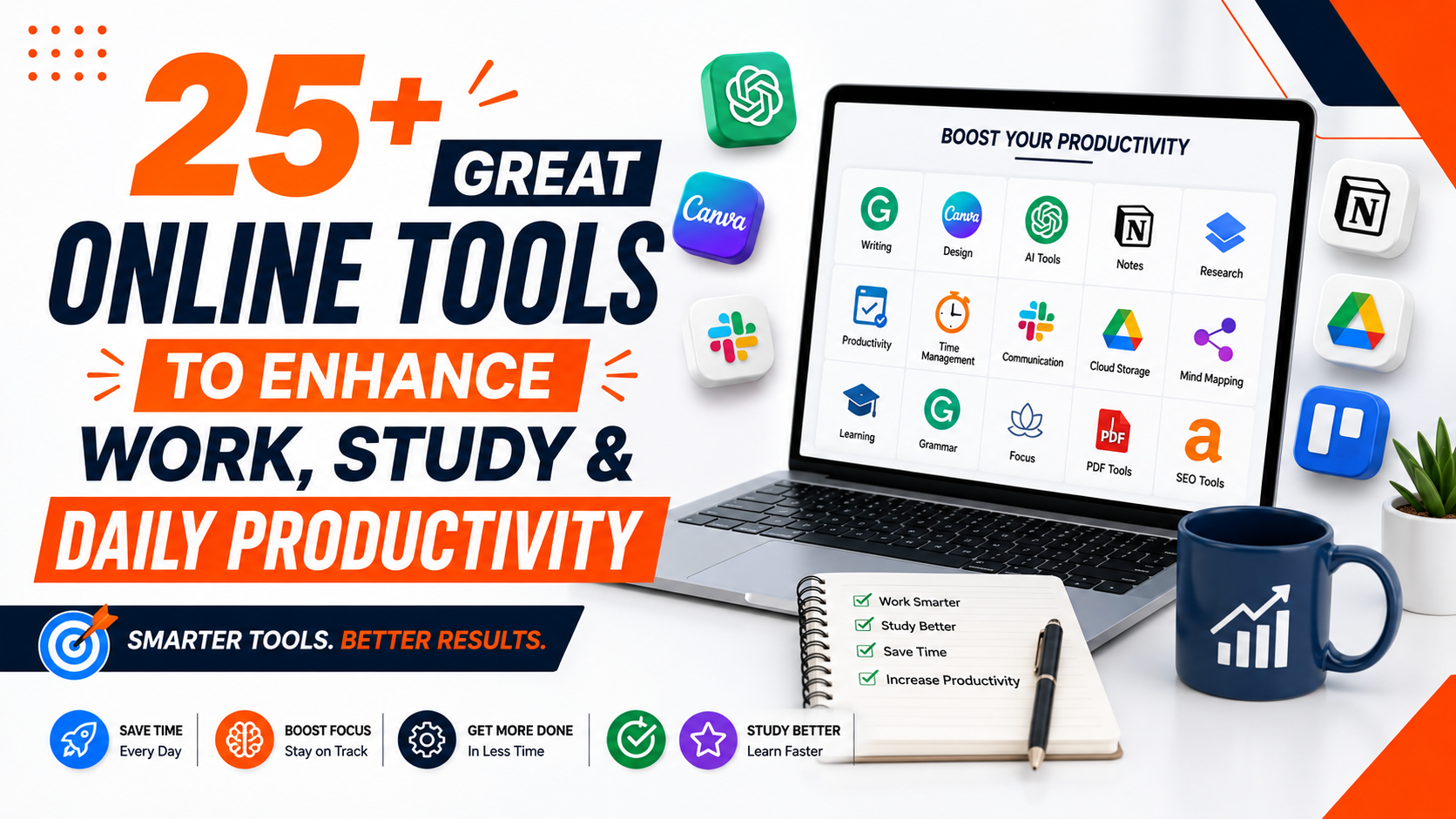
In today’s fast-paced digital world, leveraging the right online tools can significantly enhance productivity, streamline workflows, and simplify daily tasks. Whether you’re a student, professional, or entrepreneur, the right tools can save time, improve collaboration, and boost efficiency. This article explores 25+ great online tools designed to simplify work, study, and daily tasks, covering categories like project management, design, SEO, social media, and more. Each tool is selected for its functionality, user-friendliness, and ability to deliver results.
Why Use Online Tools?
Online tools provide accessible, cost-effective solutions for individuals and businesses. They eliminate the need for complex software installations, offer cloud-based functionality, and often integrate seamlessly with other platforms. Here’s why they’re essential:
- Accessibility: Most tools are browser-based, available anytime, anywhere.
- Cost-Effective: Many offer free versions or affordable premium plans.
- Scalability: Tools cater to individuals, small teams, and large enterprises.
- Integration: APIs and integrations ensure smooth workflows across platforms.
- Time-Saving: Automate repetitive tasks to focus on high-priority work.
With countless options available, we’ve curated a list of the best tools across various categories, ensuring there’s something for everyone.
Best Online Tools for Productivity
1. Trello

Rating: 4.6/5
Best For: Project management and task organization
Website: trello.com
iOS App (App Store): https://apps.apple.com/us/app/trello-organize-anything/id461504587
Android App (Play Store): https://play.google.com/store/apps/details?id=com.trello&pcampaignid=web_share
Free or Paid: Free with paid upgrades
Trello’s intuitive Kanban boards make task management a breeze. Users can create boards for projects, assign tasks, set deadlines, and track progress in real-time. Its drag-and-drop interface is perfect for teams and individuals managing workflows. Integrations with Slack, Google Drive, and Jira enhance its versatility, making it one of the top great tool online for productivity.
2. Asana
Rating: 4.5/5
Best For: Team collaboration and task automation
Website: asana.com
iOS App: https://apps.apple.com/us/app/asana-work-management/id489969512
Android App: https://play.google.com/store/apps/details?id=com.asana.app&pcampaignid=web_share
Free or Paid: Free with premium plans
Asana streamlines team workflows with features like task assignments, timelines, and automated reminders. Its robust integrations with tools like Zoom and Microsoft Teams make it ideal for remote teams. Asana’s user-friendly interface ensures seamless project tracking, from simple to-do lists to complex workflows.
3. Notion

Rating: 4.7/5
Best For: All-in ono workspace for notes and projects
Website: notion.so
iOS App (App Store): https://apps.apple.com/us/app/notion-notes-tasks-ai/id1232780281
Android App (Play Store): https://play.google.com/store/apps/details?id=notion.id&pcampaignid=web_share
Free or Paid: Free with paid upgrades
Notion combines note-taking, project management, and database creation in one platform. Its customizable templates allow users to create wikis, track goals, or manage personal tasks. With a clean interface and cross-platform syncing, Notion is a favorite for students and professionals alike.
Top Tools for Design and Creativity
4. Canva

Rating: 4.8/5
Best For: Graphic design for non-designers
Website: canva.com
iOS App (App Store): https://apps.apple.com/us/app/canva-ai-photo-video-editor/id897446215
Android App (Play Store): https://play.google.com/store/apps/details?id=com.canva.editor&pcampaignid=web_share
Free or Paid: Free with premium features
Canva empowers users to create stunning visuals, from social media posts to presentations, without design expertise. Its drag-and-drop editor, vast library of templates, fonts, and images, and brand kit feature ensure consistent branding. The content planner simplifies scheduling social media posts, making it a must-have for marketers.
5. Figma
Rating: 4.8/5
Best For: Collaborative interface design
Website: figma.com
iOS App (App Store): https://apps.apple.com/us/app/figma/id1152747299
Android App (Play Store): https://play.google.com/store/apps/details?id=com.figma.mirror&pcampaignid=web_share
Free or Paid: Free with paid team features
Figma is a cloud-based design tool that excels in real-time collaboration. Designers can work simultaneously on UI/UX projects, create scalable vector designs, and build interactive prototypes. Its integration with tools like Slack and Zeplin makes it a go-to for design teams.
6. Adobe Express
Rating: 4.4/5
Best For: Quick design projects
Website: adobe.com/express
iOS App (App Store): https://apps.apple.com/us/app/adobe-express-ai-photo-video/id1051937863
Android App (Play Store): https://play.google.com/store/apps/details?id=com.adobe.spark.post&pcampaignid=web_share
Free or Paid: Free with premium options
Adobe Express offers simplified design tools for creating social media graphics, logos, and videos. Its templates and AI-powered features make it accessible for beginners, while its integration with Adobe’s ecosystem appeals to professionals looking for quick solutions.
Best SEO and Marketing Tools
7. SEMrush

Rating: 4.7/5
Best For: Comprehensive SEO and marketing
Website: semrush.com
iOS App (App Store): https://apps.apple.com/us/app/semrush/id1458602050
Free or Paid: Free trial with paid plans
SEMrush is a powerhouse for digital marketers, offering keyword research, competitor analysis, and site audits. Its content gap analysis helps identify opportunities to outrank competitors, while backlink audits ensure a healthy link profile. Social media scheduling and white-label reporting make it indispensable for agencies.
8. Ahrefs

Rating: 4.6/5
Best For: Backlink analysis and keyword research
Website: ahrefs.com
Free or Paid: Paid with free tools
Ahrefs excels in analyzing competitor backlinks, organic traffic, and keyword rankings. Its site explorer provides insights into traffic sources and top-performing content, helping marketers optimize their strategies. Ahrefs’ content explorer is perfect for discovering trending topics to boost SEO performance.
9. SimilarWeb
Rating: 4.5/5
Best For: Website traffic analysis
Website: similarweb.com
Free or Paid: Free with paid upgrades
SimilarWeb provides accurate traffic estimates, traffic sources, and keyword insights for any website. Its competitive analysis tools help businesses benchmark performance and identify growth opportunities. The platform’s API integration makes it ideal for data-driven marketing strategies.
Best Tools for Social Media Management
10. Buffer

Rating: 4.5/5
Best For: Social media scheduling and analytics
Website: buffer.com
iOS App (App Store): https://apps.apple.com/us/app/buffer-plan-schedule-posts/id490474324
Android App (Play Store): https://play.google.com/store/apps/details?id=org.buffer.android&pcampaignid=web_share
Free or Paid: Free with paid upgrades
Buffer simplifies social media management with scheduling, analytics, and engagement tools. Its intuitive dashboard allows users to plan posts across platforms like Instagram, Twitter, and LinkedIn. Buffer’s analytics help track performance, making it a top choice for small businesses and influencers.
11. Hootsuite

Rating: 4.4/5
Best For: Multi-platform social media management
Website: hootsuite.com
iOS App (App Store): https://apps.apple.com/us/app/hootsuite-social-media-tools/id341249709
Android App (Play Store): https://play.google.com/store/apps/details?id=com.hootsuite.droid.full&pcampaignid=web_share
Free or Paid: Free trial with paid plans
Hootsuite supports scheduling and monitoring across multiple social media platforms. Its analytics dashboard provides insights into audience engagement, while team collaboration features streamline workflows for larger organizations.
12. Sprout Social
Rating: 4.6/5
Best For: Advanced social media analytics
Website: sproutsocial.com
iOS App (App Store): https://apps.apple.com/us/app/sprout-social/id475307859
Android App (Play Store): https://play.google.com/store/apps/details?id=com.sproutsocial.android&pcampaignid=web_share
Free or Paid: Paid with free trial
Sprout Social offers in-depth analytics, social listening, and CRM integration. Its reporting tools help businesses understand audience behavior and optimize content strategies, making it ideal for data-driven marketers.
Best Tools for Learning and Education
13. Duolingo
Rating: 4.6/5
Best For: Language learning
Website: duolingo.com
iOS App (App Store): https://apps.apple.com/us/app/duolingo-language-lessons/id570060128
Android App (Play Store): https://play.google.com/store/apps/details?id=com.duolingo&pcampaignid=web_share
Free or Paid: Free with paid upgrades
Duolingo offers gamified language learning in over 40 languages, from Spanish to Navajo. Its social features, like clubs and leaderboards, make learning engaging and community-driven. The app’s bite-sized lessons are perfect for busy schedules.
14. Edx

Rating: 4.5/5
Best For: Academic and professional courses
Website: edx.org
iOS App (App Store): https://apps.apple.com/us/app/edx-online-learning/id945480667
Android App (Play Store): https://play.google.com/store/apps/details?id=org.edx.mobile&pcampaignid=web_share
Free or Paid: Free with paid certificates
Edx provides access to high-quality courses from institutions like Harvard and MIT. Covering topics from computer science to philosophy, it’s a top platform for academic rigor and professional development.
15. Coursera

Rating: 4.7/5
Best For: Online degrees and certifications
Website: coursera.org
iOS App (App Store): https://apps.apple.com/us/app/coursera-grow-your-career/id736535961
Android App (Play Store): https://play.google.com/store/apps/details?id=org.coursera.android&pcampaignid=web_share
Free or Paid: Free with paid certifications
Coursera partners with top universities to offer courses, specializations, and degrees. Its flexible learning paths cater to students and professionals seeking career advancement or new skills.
Best Tools for Communication and Collaboration
16. Slack
Rating: 4.6/5
Best For: Team communication
Website: slack.com
iOS App (App Store): https://apps.apple.com/us/app/slack/id618783545
Android App (Play Store): https://play.google.com/store/apps/details?id=com.Slack&pcampaignid=web_share
Free or Paid: Free with paid upgrades
Slack revolutionizes team communication with channels, direct messaging, and integrations with tools like Trello and Google Drive. Its searchable message history ensures no information is lost, making it ideal for remote teams.
17. Zoom

Rating: 4.5/5
Best For: Video conferencing
Website: zoom.us
iOS App (App Store): https://apps.apple.com/us/app/zoom-workplace/id546505307
Android App (Play Store): https://play.google.com/store/apps/details?id=us.zoom.videomeetings&pcampaignid=web_share
Free or Paid: Free with paid plans
Zoom is a leader in video conferencing, offering reliable meetings, webinars, and virtual events. Features like breakout rooms and screen sharing enhance collaboration for teams and educators.
18. Microsoft Teams

Rating: 4.4/5
Best For: Enterprise collaboration
Website: microsoft.com/teams
iOS App (App Store): https://apps.apple.com/us/app/microsoft-outlook/id951937596
Android App (Play Store): https://play.google.com/store/apps/details?id=com.microsoft.office.officehubrow&pcampaignid=web_share
Free or Paid: Free with paid features
Microsoft Teams combines chat, video calls, and file collaboration within the Microsoft 365 ecosystem. Its robust security and integration with Office apps make it a top choice for enterprises.
Best Tools for File Management and Storage
19. Google Drive

Rating: 4.7/5
Best For: Cloud storage and collaboration
Website: drive.google.com
iOS App (App Store): https://apps.apple.com/us/app/google-drive/id507874739
Android App (Play Store): https://play.google.com/store/apps/details?id=com.google.android.apps.docs&pcampaignid=web_share
Free or Paid: Free with paid storage plans
Google Drive offers secure cloud storage with real-time collaboration on documents, spreadsheets, and presentations. Its integration with Google Workspace makes it a staple for teams and individuals.
20. Dropbox
Rating: 4.5/5
Best For: File syncing and sharing
Website: dropbox.com
iOS App (App Store): https://apps.apple.com/us/app/dropbox-cloud-storage-backup/id327630330
Android App (Play Store): https://play.google.com/store/apps/details?id=com.dropbox.android&pcampaignid=web_share
Free or Paid: Free with premium plans
Dropbox provides reliable file storage and syncing with features like file recovery and version history. Its seamless sharing options make it ideal for freelancers and businesses.
21. WeTransfer
Rating: 4.3/5
Best For: Large file transfers
Website: wetransfer.com
iOS App (App Store): https://apps.apple.com/us/app/wetransfer-transfer-files/id1569379048
Android App (Play Store): https://play.google.com/store/apps/details?id=com.wetransfer.transfer&pcampaignid=web_share
Free or Paid: Free with paid upgrades
WeTransfer simplifies sending large files securely without the need for an account. Its clean interface and fast transfer speeds make it perfect for creatives sharing media files.
Best Tools for Writing and Content Creation
22. ChatGPT
Rating: 4.7/5
Best For: Conversational AI, content creation, brainstorming, and writing assistance
Website: chat.openai.com
iOS App (App Store): https://apps.apple.com/us/app/chatgpt/id6448311069
Android App (Play Store): https://play.google.com/store/apps/details?id=com.openai.chatgpt
Free or Paid: Free with paid Plus and Pro plans
ChatGPT by OpenAI is one of the most widely used AI writing tools for creators, marketers, and businesses. It helps users create blog posts, social media captions, emails, product descriptions, content outlines, and research summaries. Its conversational approach allows users to improve content through multiple revisions by adjusting tone, style, structure, and length. With features like custom GPTs, file analysis, and advanced writing capabilities, ChatGPT supports SEO content creation, marketing campaigns, and everyday productivity tasks.
23. Claude AI
Rating: 4.7/5
Best For: Long-form writing, editing, and research assistance
Website: claude.ai
iOS App (App Store): https://apps.apple.com/us/app/claude-by-anthropic/id6473753684
Android App (Play Store): https://play.google.com/store/apps/details?id=com.anthropic.claude
Free or Paid: Free with paid Pro and Max plans
Claude AI, developed by Anthropic, is known for generating natural, well-organized, and detailed content. It is especially useful for writers who work on long-form articles, reports, research documents, and professional content. The tool can understand complex instructions, summarize large amounts of information, and help improve existing drafts while maintaining a consistent writing style. It is a valuable choice for content teams, researchers, and businesses that need high-quality written output.
24. Grok
Rating: 4.3/5
Best For: Real-time trends, social media content, and current topics
Website: grok.com
iOS App (App Store): https://apps.apple.com/us/app/grok/id6670324846
Android App (Play Store): https://play.google.com/store/apps/details?id=ai.x.grok
Free or Paid: Free with premium plans
Grok by xAI is designed for users who want quick access to trending discussions and real-time information. Its connection with X helps it understand current conversations, popular topics, and online trends. It is useful for social media managers, journalists, and content creators who need fresh ideas for posts, news updates, and audience-focused content. Grok can assist with brainstorming, summarizing discussions, and creating content based on ongoing trends.
25. Google Gemini

Rating: 4.5/5
Best For: AI productivity, Google Workspace integration, and content creation
Website: gemini.google.com
iOS App (App Store): https://apps.apple.com/us/app/google-gemini/id6477489729
Android App (Play Store): https://play.google.com/store/apps/details?id=com.google.android.apps.bard
Free or Paid: Free with paid Google AI Pro and Ultra plans
Google Gemini is an AI assistant that works closely with Google’s ecosystem, including Docs, Gmail, and Sheets. It helps users create drafts, summarize documents, analyze information, and generate content ideas. With multimodal capabilities, Gemini can work with text, images, and data, making it useful for marketers, businesses, students, and professionals. Its integration with Google tools makes content creation and productivity easier within existing workflows.
26. Grammarly
Rating: 4.6/5
Best For: Writing and grammar checking
Website: grammarly.com
iOS App (App Store): https://apps.apple.com/us/app/grammarly-ai-writing-keyboard/id1158877342
Android App (Play Store): https://play.google.com/store/apps/details?id=com.grammarly.android.keyboard&pcampaignid=web_share
Free or Paid: Free with premium features
Grammarly enhances writing with real-time grammar, style, and tone suggestions. Its browser extension and integration with platforms like Google Docs make it essential for writers and professionals.
27. Jasper
Rating: 4.4/5
Best For: AI-powered content creation
Website: jasper.ai
iOS App (App Store): https://apps.apple.com/us/app/japer-ai-writbot/id1671151816
Android App (Play Store): https://play.google.com/store/apps/details?id=com.writingai.assistant&pcampaignid=web_share
Free or Paid: Paid with free trial
Jasper uses AI to generate blog posts, social media content, and marketing copy. Its templates and tone adjustments help create engaging content quickly, ideal for marketers and bloggers.
28. Hemingway Editor
Rating: 4.3/5
Best For: Improving writing readability
Website: hemingwayapp.com
iOS App (App Store): https://apps.apple.com/us/app/english-editor-proofreading/id1530975556
Free or Paid: Free online, paid desktop app
Hemingway Editor highlights complex sentences and suggests simpler alternatives to improve readability. It’s a great tool for writers aiming to create clear, concise content.
Tips for Choosing the Right Online Tools
To maximize the benefits of these great online tool, consider the following:
- Identify Your Needs: Choose tools that align with your specific goals, whether it’s SEO, design, or collaboration.
- Check Integrations: Opt for tools that integrate with your existing workflows for seamless operation.
- Prioritize Security: Use platforms with enterprise-level security and enable two-factor authentication.
- Explore Free Versions: Test free plans to ensure the tool meets your needs before upgrading.
- Read Reviews: Check user ratings and feedback to gauge reliability and performance.
Conclusion
The digital landscape is filled with powerful online tools designed to simplify work, enhance creativity, and boost productivity. From Trello’s project management boards to Canva’s design templates and SEMrush’s SEO insights, these tools cater to diverse needs. By integrating these platforms into your workflow, you can save time, improve efficiency, and stay competitive in a fast-evolving world. Explore these tools, leverage their free versions, and unlock their full potential with premium features when needed.

Subash Kumar
Subash Kumar is a digital marketing strategist with over a decade of experience specializing in SEO, social media and data-driven content. He has helped brands achieve 150%+ growth in online visibility and increase engagement rates by up to 100% across technology, real state and ecommerce sectors. With a strong focus on analytics, Subash Kumar crafts campaigns that consistently drive results and deliver up to 5x ROI.