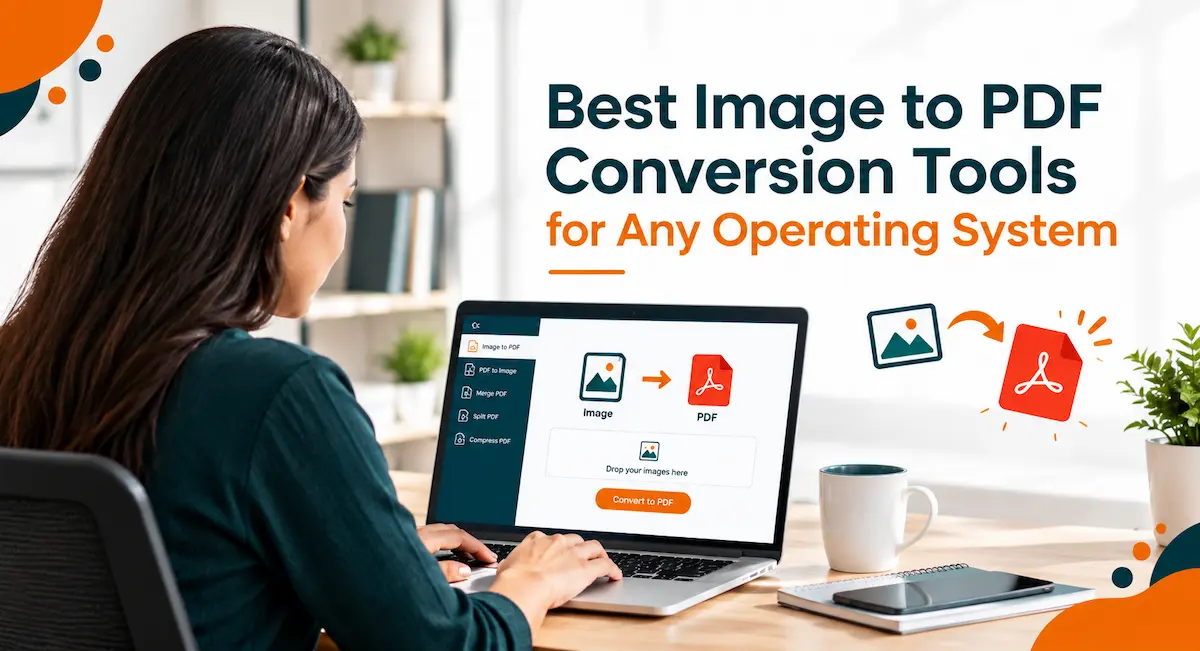
Quick Answer: The best image to PDF conversion tools for 2026 run entirely in the browser and work the same way on Windows, Mac, Linux, and mobile, and Adobe Acrobat is the top pick for most people — its free online converter has processed over 12 million JPG-to-PDF uploads and supports JPG, PNG, BMP, GIF, and TIFF input files without installing software. iLovePDF and Sejda are the stronger picks when batch conversion or an offline desktop option matters more, at $5/month and $7.50/month respectively. This roundup is built for professionals and students converting scanned documents, photos, or ID images into shareable PDFs across whatever device or operating system they happen to be using.
This guide evaluates six image to PDF conversion tools against two criteria: how well each one works as a purely online, no-install tool across different operating systems, and how much a user can do before hitting a free-tier limit. Rather than relying on secondary reviews, this evaluation is drawn directly from each vendor’s official product pages and pricing documentation, with platform support and pricing verified as current for 2026. It’s written for professionals, students, and freelancers who need to convert images to PDF from whatever device they’re on, not people looking for a single one-off conversion trick. Based on cross-platform reach, free-tier usability, and file format support, Adobe Acrobat is the best overall pick among these image to PDF conversion tools, with iLovePDF and Sejda as the stronger options when batch processing or offline use matters more.
Comparing the Best Image to PDF Conversion Tools
| Tool Name | Free Tier Available | Platform | Best For | Template Count / Design Assets | Standout Feature |
| Adobe Acrobat | Yes | Web, Windows, Mac, iOS, Android | Professionals converting scanned receipts, IDs, or documents into shareable PDFs across any device | Not publicly listed | Over 12 million JPG-to-PDF files uploaded; converts JPG, PNG, BMP, GIF, and TIFF into PDF for free |
| iLovePDF | Yes (task limits, banner ads) | Web, Windows, Mac, Android, iOS | Teams needing batch image-to-PDF conversion alongside 25+ other PDF tools in one platform | Not publicly listed | Processes 16.5 million documents daily; Premium removes task limits at $5/month billed annually |
| Smallpdf | Yes (100-page files, 1 conversion/day) | Web, Windows, Mac, iOS, Android | Freelancers needing occasional, fast image-to-PDF conversion without installing software | Not publicly listed | Pro plan at $15/month removes the one-conversion-per-day cap |
| Sejda | Yes (3 tasks/day, 50MB, 200 pages) | Web, Windows, Mac, Linux | Privacy-conscious users on Linux needing an image-to-PDF tool with an offline desktop option | Not publicly listed | Pro plan at $7.50/month unlocks unlimited tasks; uploaded files auto-delete after 2 hours |
| PDF2Go | Yes (limited tasks per 24h) | Web (any OS with a browser) | Users on Chromebooks or less common operating systems needing a purely browser-based converter | Not publicly listed | Premium at $6.42/month adds unlimited tasks per 24 hours and priority queue processing |
| Convertio | Yes (10 conversions/day, 100MB cap) | Web | Users converting less common image formats like HEIC or PSD into PDF alongside JPG and PNG | Not publicly listed | Supports 300+ file formats; Light plan at $9.99/month raises the cap to 25 conversions/day |
Adobe Acrobat
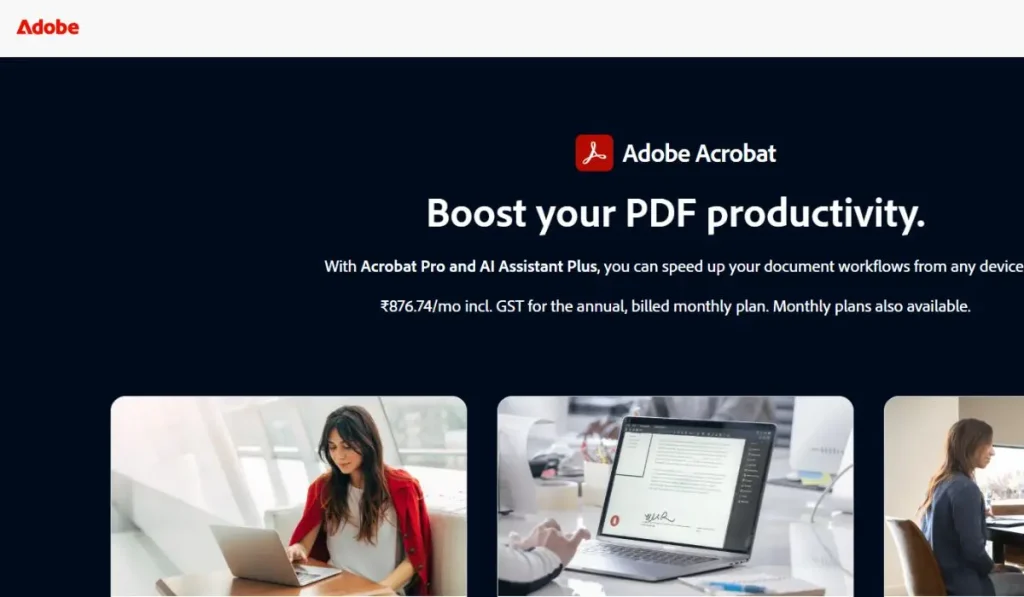
Adobe Acrobat’s free online converter is built for professionals who need to turn a scanned receipt, ID, or document into a shareable PDF from whatever device they’re using, and its JPG to PDF tool runs entirely in the browser with no software install.
Adobe Acrobat’s free online JPG-to-PDF converter has processed over 12 million file uploads and converts JPG, PNG, BMP, GIF, and TIFF images into a PDF in a browser, with no installation required on Windows, Mac, iOS, or Android.
Key Features:
- Converts five image formats to PDF: JPG, PNG, BMP, GIF, and TIFF, all through the same drag-and-drop online tool.
- Works entirely online across Windows, Mac, iOS, and Android without installing software, satisfying the cross-platform, browser-based standard this category is evaluated against.
- Free tier covers single-file conversion; batch conversion of multiple images at once requires an Acrobat Pro subscription.
- Password protection and encryption available on converted PDFs through a 7-day free trial of Acrobat Pro, useful for sensitive files like bank statements or ID scans.
- Files are automatically deleted from Adobe’s servers after download for users who aren’t signed in, or stored in secure cloud storage for those with a free Adobe account.
Pricing:
Free for single-file online conversion with no page limit publicly disclosed. Batch conversion and advanced editing require an Acrobat Pro subscription, which starts with a 7-day free trial.
Platforms: Web, with Acrobat desktop and mobile apps for Windows, Mac, iOS, and Android.
Best For: Professionals converting scanned receipts, IDs, or documents into shareable PDFs across any device.
iLovePDF
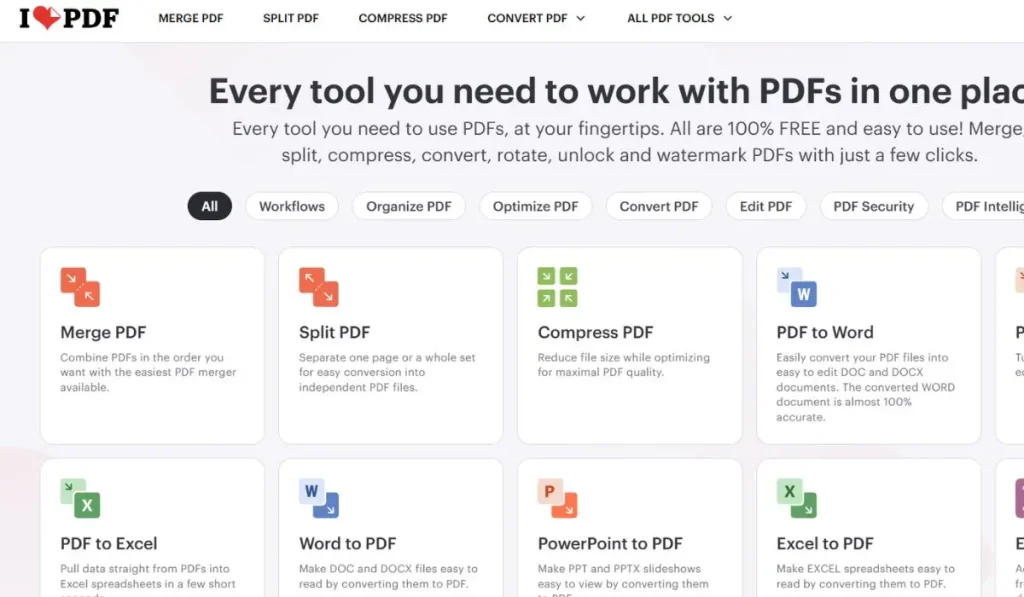
iLovePDF is built for teams that need batch image-to-PDF conversion bundled with more than two dozen other PDF tools in a single online platform.
iLovePDF processes 16.5 million documents daily across its online tools, according to its own pricing page, and its Image to PDF converter supports batch uploads of multiple JPG or PNG files into a single PDF.
Key Features:
- Batch image-to-PDF conversion, combining multiple JPG, PNG, or other image files into one PDF in a single pass.
- Free tier limits the number of documents processed and displays banner ads; Premium removes both restrictions at $5/month billed annually ($9/month billed monthly).
- Premium plan adds 2,000 AI credits per billing cycle, offline desktop access, and regional file processing options for data residency needs.
- Available across Web, Windows, Mac, Android, and iOS, so the same account and conversion history follow a user across operating systems.
- Cloud storage integration with Google Drive and Dropbox lets users pull images directly into the converter without a local download step first.
Pricing:
Free with limited document processing and banner ads. Premium is $5/month billed annually ($60/year) or $9/month billed monthly, with unlimited document processing.
Platforms: Web, Windows, Mac, Android, and iOS.
Best For: Teams needing batch image-to-PDF conversion alongside 25+ other PDF tools in one platform.
Official documentation: iLovePDF’s official pricing and tools page
Smallpdf
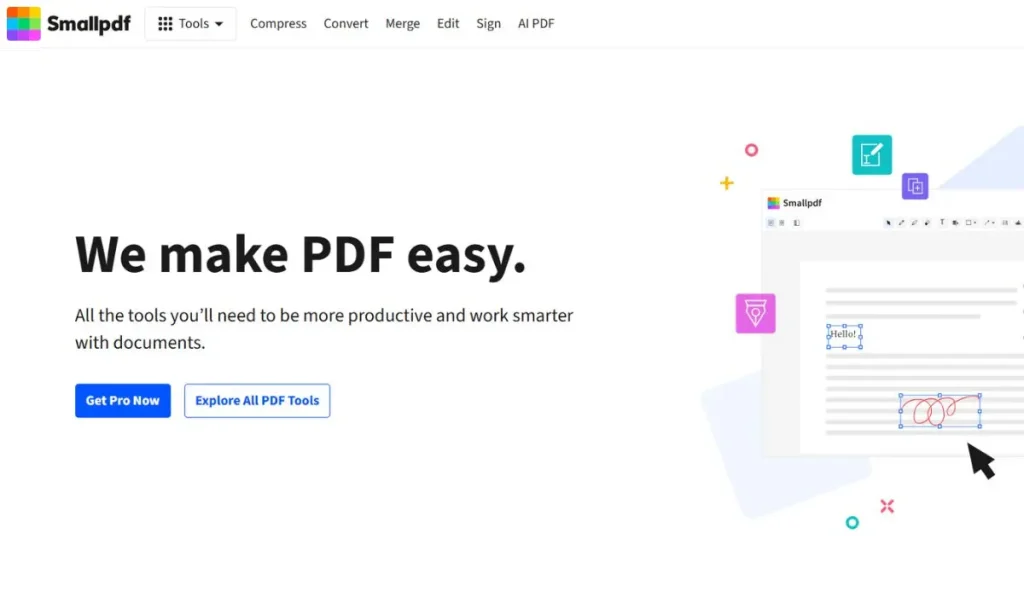
Smallpdf is built for freelancers who need an occasional, fast image-to-PDF conversion without installing anything or learning a complex interface.
Smallpdf’s free tier converts image files up to 100 pages into a PDF once per day, with its Pro plan removing that daily cap starting at $15/month.
Key Features:
- Drag-and-drop image-to-PDF conversion in the browser, alongside tools for merging, compressing, and splitting PDFs on the same platform.
- Free tier limited to one conversion per day and a 20MB file size cap, which is the concrete restriction on Smallpdf’s no-cost usage.
- Pro plan, starting at $15/month, removes the daily conversion limit and raises the file size ceiling for larger scanned image batches.
- Works the same way across Web, Windows, Mac, iOS, and Android, so a user’s workflow doesn’t change when switching devices.
- Converted files can be saved directly to Google Drive or Dropbox from the Pro plan, skipping a manual download and re-upload step.
Pricing:
Free for files up to 100 pages, limited to one conversion per day and a 20MB file size cap. The Pro plan starts at $15/month and removes the daily limit.
Platforms: Web, Windows, Mac, iOS, and Android.
Best For: Freelancers needing occasional, fast image-to-PDF conversion without installing software.
Sejda
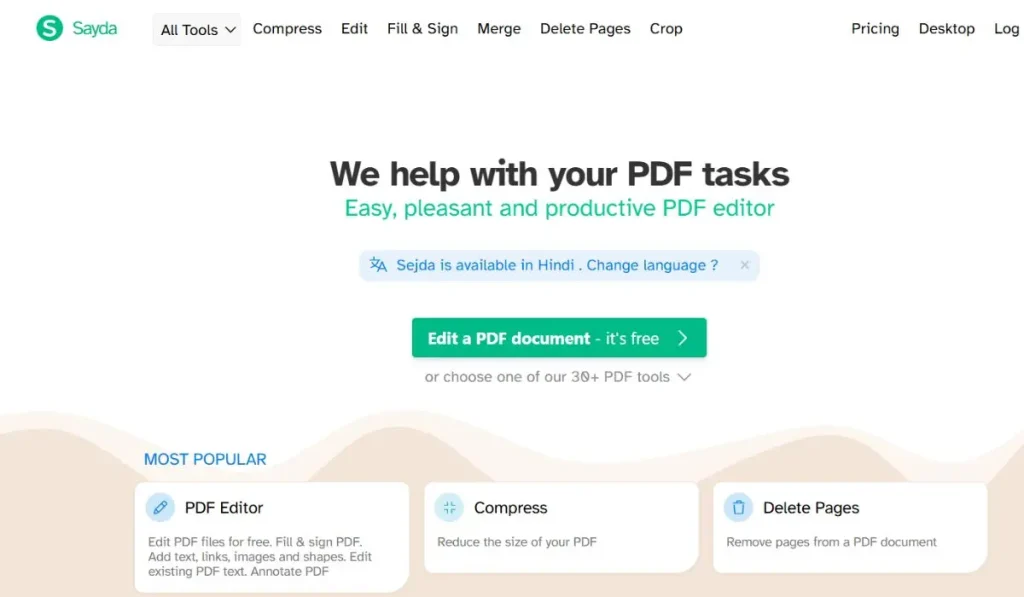
Sejda is built for privacy-conscious users, including those on Linux, who want an image-to-PDF tool with a genuine offline desktop option rather than a browser-only workflow.
Sejda’s free online tier allows 3 tasks per day with a 50MB file size limit and 200-page cap, and its uploaded files are auto-deleted after 2 hours, with a Desktop app available for fully offline conversion on Windows, Mac, and Linux.
Key Features:
- Free online tier: 3 tasks per day, 50MB file size limit, and a 200-page limit per document, all enforced without requiring an account.
- Offline Desktop version processes images to PDF without uploading files anywhere, a distinct advantage for Linux users and anyone converting sensitive scans.
- Files uploaded to the web version are encrypted in transit and automatically deleted 2 hours after processing.
- Pro plan, at $7.50/month, removes the daily task cap, the file size limit, and the page limit, and unlocks batch conversion.
- Runs in any modern browser on Windows, Mac, or Linux with no separate app required for basic online conversion, plus dedicated support for Google Chrome, Flathub, and Flatpak distributions.
Pricing:
Free for 3 tasks per day, a 50MB file limit, and a 200-page cap. The Pro plan is $7.50/month for unlimited tasks, file size, and pages, plus batch conversion.
Platforms: Web, Windows, Mac, and Linux.
Best For: Privacy-conscious users on Linux needing an image-to-PDF tool with an offline desktop option.
PDF2Go
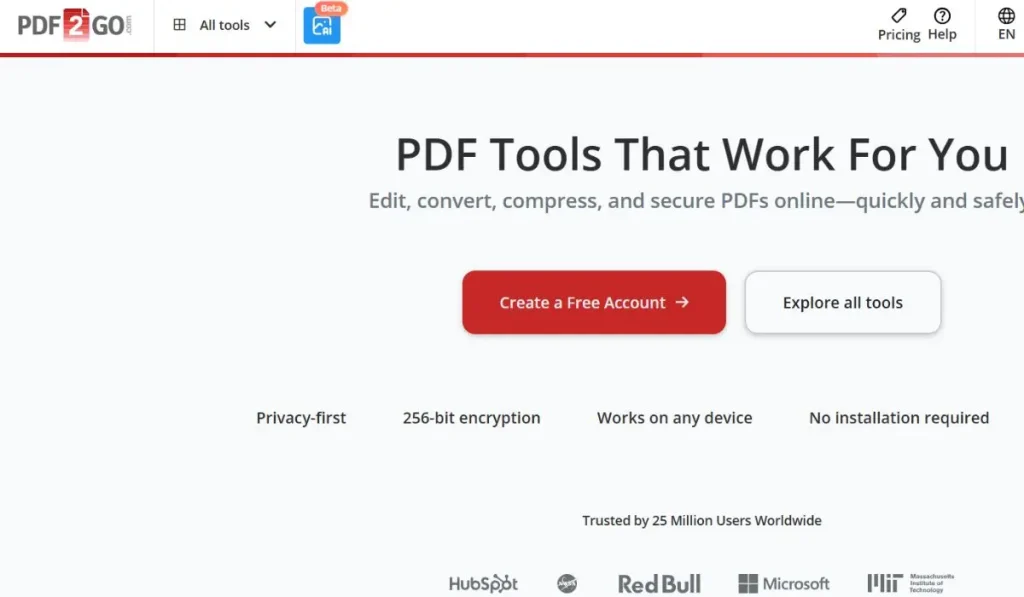
PDF2Go is built for users on Chromebooks or less common operating systems who need a purely browser-based image-to-PDF converter with no desktop install at all.
PDF2Go runs entirely online with no software download, converting images to PDF from any device with a modern web browser, and its Premium plan adds unlimited tasks per 24 hours for $6.42/month.
Key Features:
- Runs entirely in the browser with no installation on any operating system, which is the defining evaluation criterion for a purely online image-to-PDF tool.
- Free tier limits the number of tasks a user can run per 24-hour period before requiring an upgrade.
- Premium plan, at $6.42/month, adds unlimited tasks per 24 hours, batch processing, priority queue placement, and support for larger file sizes.
- A one-time Pay As You Go option at $8 offers the same unlocked features as Premium without a recurring subscription, useful for a single heavy conversion job.
- Also supports converting PDFs to Word, image, and other formats, add or remove password protection, and combine files from the same web interface used for image-to-PDF conversion.
Pricing:
Free with limited tasks per 24 hours. Premium is $6.42/month for unlimited tasks and priority processing; a one-time Pay As You Go option is $8.
Platforms: Web only, accessible from any device with a browser regardless of operating system.
Best For: Users on Chromebooks or less common operating systems needing a purely browser-based converter.
Convertio
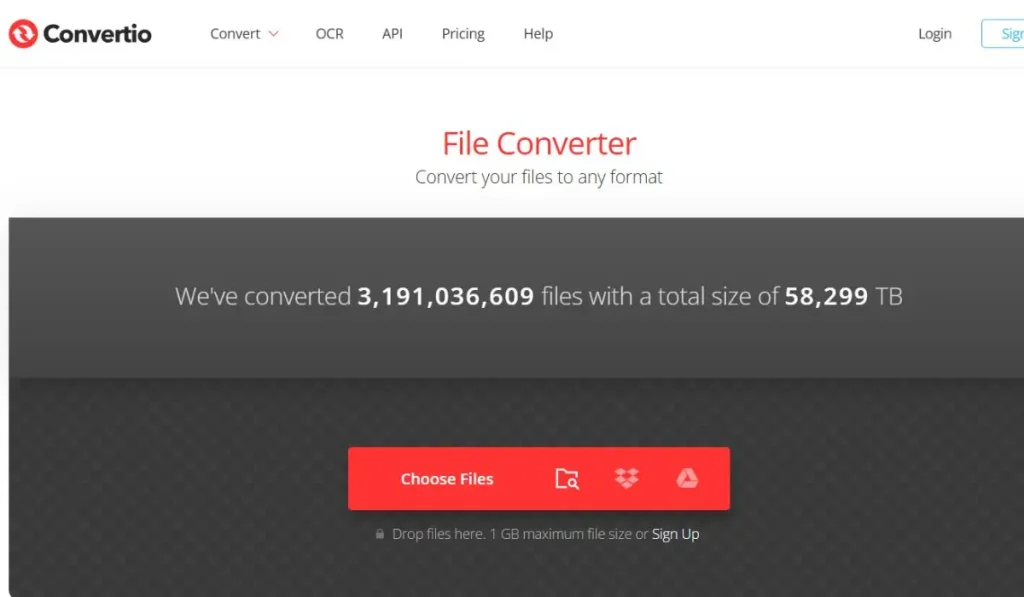
Convertio is built for users converting less common image formats, such as HEIC or PSD, into PDF alongside standard JPG and PNG files.
Convertio supports more than 300 file formats for conversion, including HEIC, PSD, and TIFF alongside JPG and PNG, with a free tier capped at 10 conversions per day and a 100MB file size limit.
Key Features:
- Supports 300+ file formats total, covering image types that some competitors don’t handle, including HEIC, PSD, AI, and EPS, alongside standard JPG and PNG.
- Free tier allows 10 conversions per day with a maximum file size of 100MB per file, requiring no account for basic use.
- Light plan, at $5.99/month billed annually ($9.99/month billed monthly), raises the daily cap to 25 conversions and the file size limit to 1GB.
- OCR support for turning scanned images into searchable text within the converted PDF, available on paid plans.
- Runs entirely in the browser across any operating system, with cloud storage integration for Google Drive and Dropbox to import images directly.
Pricing:
Free for 10 conversions per day with a 100MB file size cap. The Light plan is $5.99/month billed annually, and the Standard plan is $14.99/month for 100 conversions per day.
Platforms: Web only.
Best For: Users converting less common image formats like HEIC or PSD into PDF alongside JPG and PNG.
How to Choose the Right Image to PDF Conversion Tools
- If you need a purely online tool with zero software install across any operating system, prioritize tools built entirely as browser apps. PDF2Go and Adobe Acrobat’s online converter both meet this threshold.
- If you regularly convert more images than a free tier allows in a day, prioritize tools with an affordable paid tier that removes the daily cap. iLovePDF’s $5/month Premium plan and Sejda’s $7.50/month Pro plan both meet this threshold.
- If you need to convert uncommon image formats like HEIC or PSD, prioritize tools with the broadest format support. Convertio, with 300+ supported formats, is the strongest fit on this list.
- If you’re on Linux or need an offline option for sensitive scans, prioritize tools with a genuine desktop app rather than a browser-only workflow. Sejda’s Desktop version meets this threshold; most other tools in this category are web-only.
Frequently Asked Questions
What is the best image to PDF converter online for working across different operating systems?
Adobe Acrobat is the best image to PDF converter online for cross-platform use, since its free tool runs the same way in a browser on Windows, Mac, iOS, and Android, and it has processed over 12 million JPG-to-PDF file uploads. PDF2Go is a close alternative for less common operating systems, since it’s built as a purely browser-based tool with no software install at all. Both work without creating an account for a single conversion.
Is there a free image to PDF converter online that works on both Mac and Windows?
Yes, several: Adobe Acrobat, iLovePDF, and Smallpdf all offer free image to PDF converter online tools that work identically on Mac and Windows through a web browser. Adobe’s free tier has no publicly disclosed page limit for single-file conversion, while Smallpdf caps free use at 100-page files and one conversion per day. iLovePDF’s free tier processes a limited number of documents before showing banner ads and requiring an upgrade.
How do I convert a JPG to PDF without losing image quality?
Adobe Acrobat and Convertio both preserve source image resolution during conversion rather than recompressing the file, so starting with a high-quality JPG or PNG produces a clear PDF. Sejda’s free tier caps files at 50MB, which is generous enough for most photo scans without forcing compression. As a rule, the output PDF is only as sharp as the image you upload, regardless of which of these tools you use.
Can I combine multiple images into a single PDF file?
Yes. iLovePDF supports batch image-to-PDF conversion, combining multiple JPG or PNG files into one PDF in a single upload, and Adobe Acrobat Pro adds the same batch capability beyond its single-file free tier. Sejda’s free tier is limited to single-file conversion, with batch processing reserved for its $7.50/month Pro plan. Check each tool’s free-tier limits before uploading a large batch, since page and file-size caps vary.
What file formats can I convert to PDF besides JPG?
Adobe Acrobat’s online converter accepts JPG, PNG, BMP, GIF, and TIFF files. Convertio goes further, supporting more than 300 total file formats, including HEIC and PSD, which matters for anyone converting iPhone photos or design files directly to PDF. Most tools in this category, including iLovePDF and Smallpdf, cover the common formats (JPG, PNG, BMP) but not the less common ones Convertio handles.
Conclusion
The six image to PDF conversion tools covered here mostly agree on the basics — browser-based conversion, a free tier, and support for the standard JPG and PNG formats — and differ mainly in free-tier limits, batch support, and format breadth. Adobe Acrobat remains the strongest all-around pick because its free online converter works identically across Windows, Mac, iOS, and Android with no page limit disclosed and has processed over 12 million JPG-to-PDF uploads. For heavier or more specialized use, iLovePDF’s batch conversion and Sejda’s offline desktop option are the better fit once a single conversion a day stops being enough. Weighed against cross-platform reach and free-tier usability, Adobe Acrobat is the best choice for most people converting images to PDF, with the other five image to PDF conversion tools on this list serving the specific gaps it leaves, from uncommon file formats to fully offline use.

Subash Kumar
Subash Kumar is a digital marketing strategist with over a decade of experience specializing in SEO, social media and data-driven content. He has helped brands achieve 150%+ growth in online visibility and increase engagement rates by up to 100% across technology, real state and ecommerce sectors. With a strong focus on analytics, Subash Kumar crafts campaigns that consistently drive results and deliver up to 5x ROI.