Regardless of good informative content, readers may feel weary without any pictures. A picture says a thousand words and articulates your ideas in the right way. So, to make visually appealing, attractive content, you need to put an attractive image to grab the attention. The content creators use various image search techniques for finding suitable pictures for a web page, blog, social media, or anything before publishing. While posting an image on any website, you must be aware of copyright issues. If your picture face copyright challenges, it may affect your site performance.
What Is A Reverse Image Search Tool?
Reverse image search is an image retrieval system that enables you to find images with original sources. You have to upload a sample image to the database, or you need to provide the URL of the image in the reverse image search tool. It will find similar images from the database and present them in front of you.
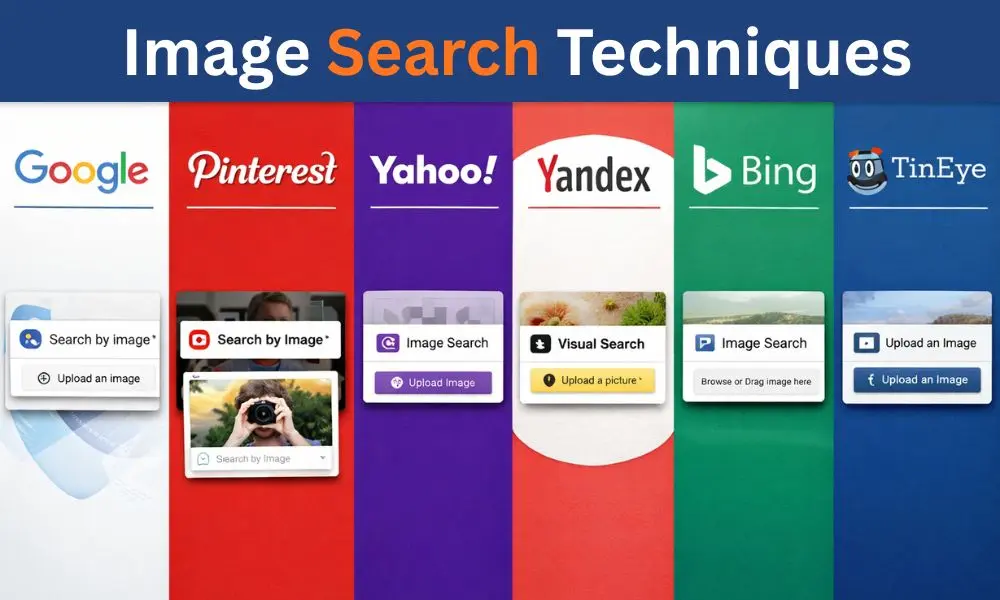
Image search techniques are the widely popular choice among content creators for their user-friendly interface and fast response. Some of the reverse image search tools are free to use with limited use, and a few are available in premium versions. You can avail a free or paid version of image search tools according to your requirement. Here is a list of reverse image search tools.
6 Free Reverse Image Search Tools
Reverse image search tools make the image search techniques easier for users. You don’t need to guess keywords to get the desired images. By uploading a sample image, you can find similar images with original sources instantly in free reverse image search tools. Try these freely available online image search tools for enhancing the visual appeal of your website.
Google Images
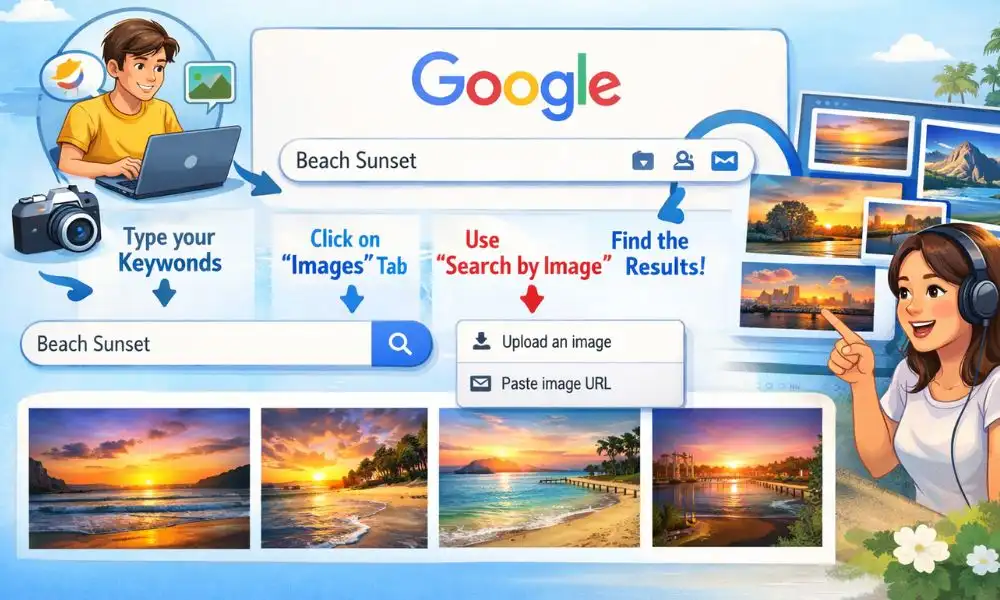
Go to the Google Images website and upload your sample image to find the best results. You can also enter the URL to get the relevant images. In mobile devices, you can use Google Lens, which has similar functions to a desktop PC. Give descriptive text against the image to get more refined search results. Google Images tools are freely available online tools that you can use seamlessly.
Bing images
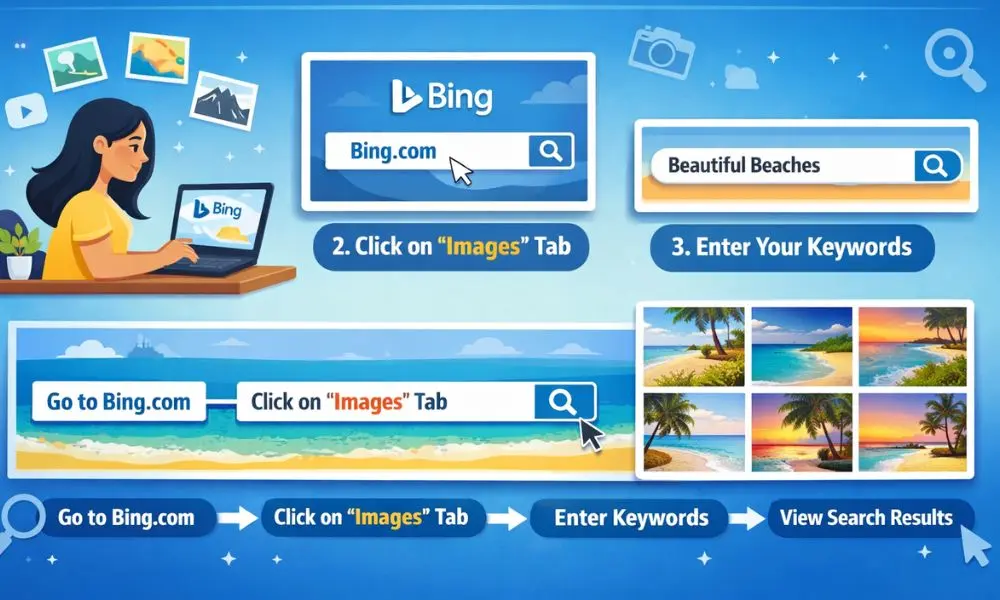
Bing Visual Search is a Microsoft product that enables users to find images according to need. You can also find this in the image tab at the top of your search results and place your image to get similar images available on the websites. Bing is one of the best reverse image search tools that helps you identify competitors’ website images.
Yandex images
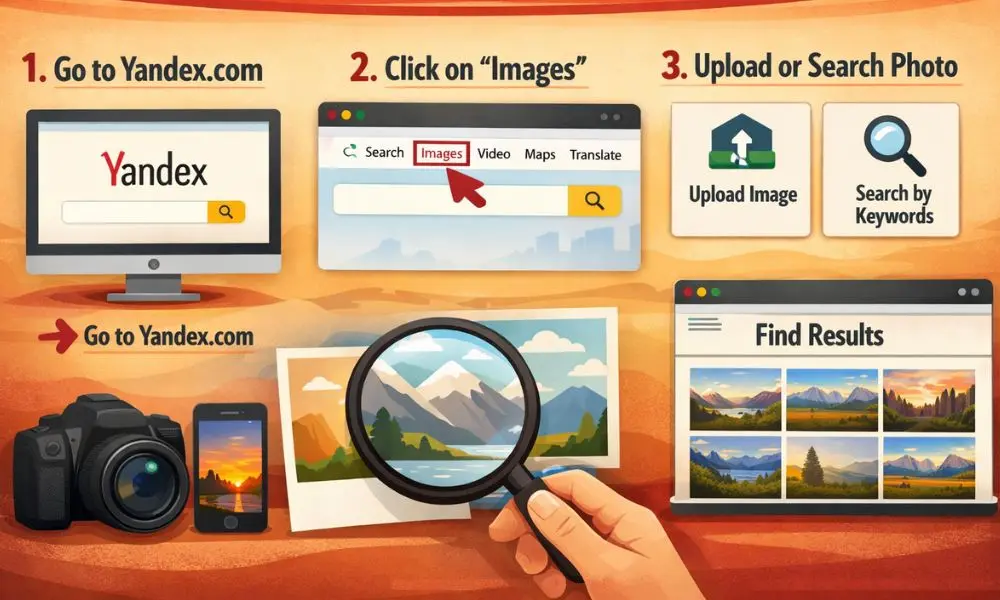
Yandex image search is another useful image search tool that enables you to search for images with a source. It offers users free image search options in multiple ways. You can directly find your desired images by typing in its search box what exactly you are looking for and specifying the size, orientation, type, color, and much more. Besides this, you can also upload your preferred image and get similar images with the original source of reference.
Yahoo Images
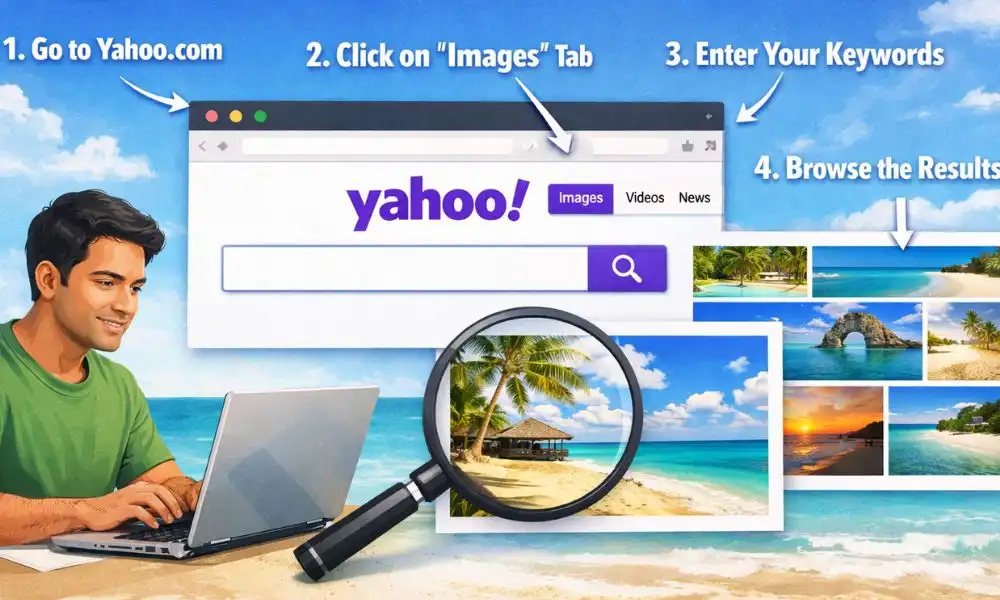
Yahoo Images is a free reverse image search tool that helps you find the image you want. Click on the “camera icon” in the Yahoo search app, take a photo from your storage, and tap the highlighted text on your image to see similar images. Visit the Yahoo Images website and filter by size, color, and type with searchable text to get a variety of images.
Pinterest image
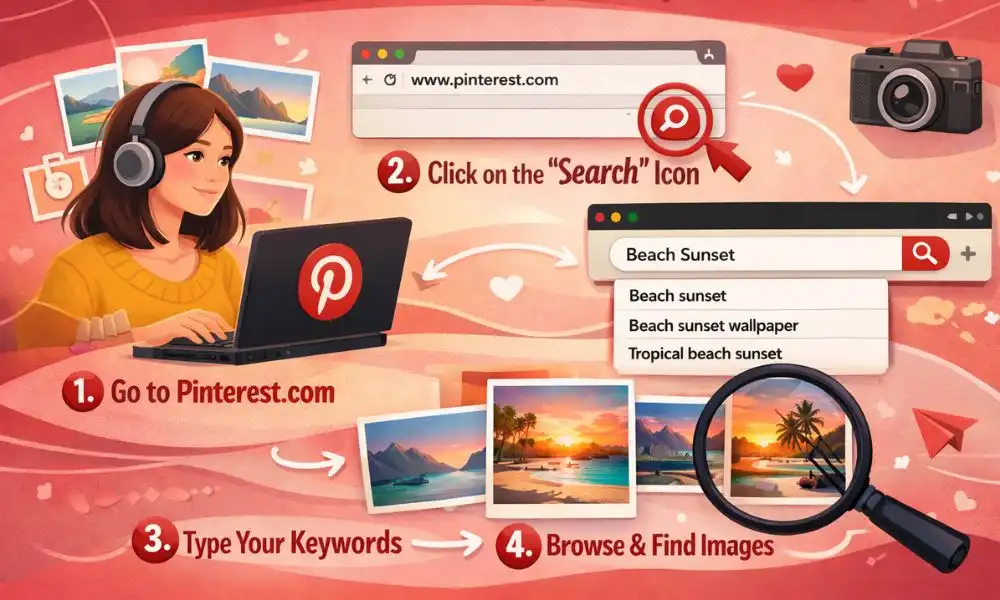
Explore the Pinterest images and write what you want to search in the search box. Choose any category of images and click on the magnifying glass at the bottom right corner of the image. The results of the visual search box will change while you change your selection. Pinterest image search techniques are a little bit different, but you are free to use them. However, you will not get the original source of the image.
TinEye Image
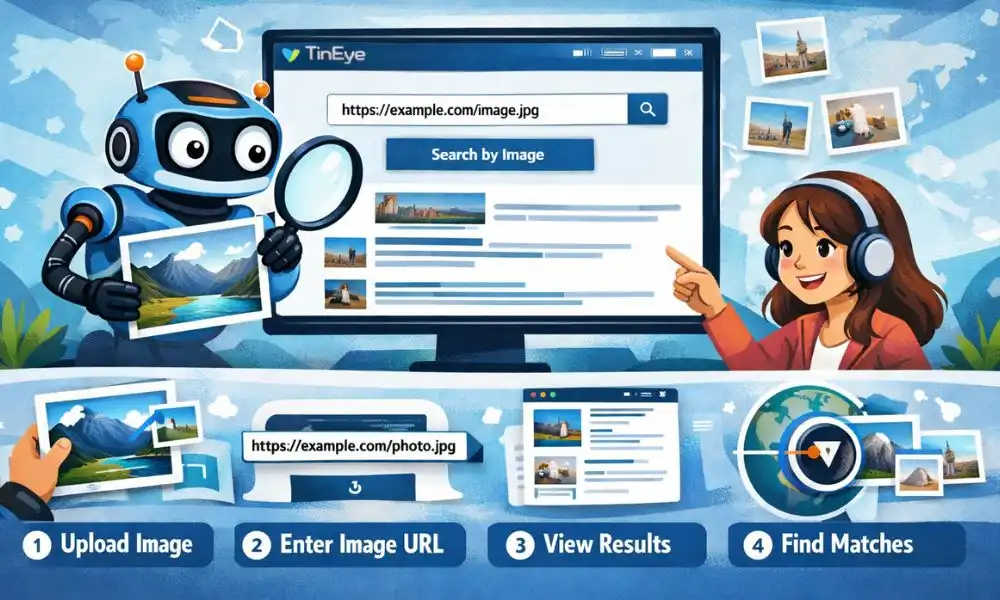
TinEye provides the advanced image search option to users, especially to photographers, graphic designers, or any other content creators. It uses image recognition technology rather than using the keyword, watermark, or metadata. Its unique feature is that it gives filter option with best match, biggest image, newest and oldest images.
Premium image search tools
Though you can access image search tools freely online, the premium version offers you added features and the owner’s rights. Paid services enable you to use the image search tools for personalized images that have never been published anywhere. It also offers you more customization options in modifying your image as per your choice. You can purchase the copyright of the image after payment.
Getty Image

Getty Images is a popular image search tool where you can get a range of creative pictures that you can modify by artificial intelligence. You can remove the background of the image and put the desired one. Getty Images offers users the option to select small, medium, or large images at different prices.
Shutterstock
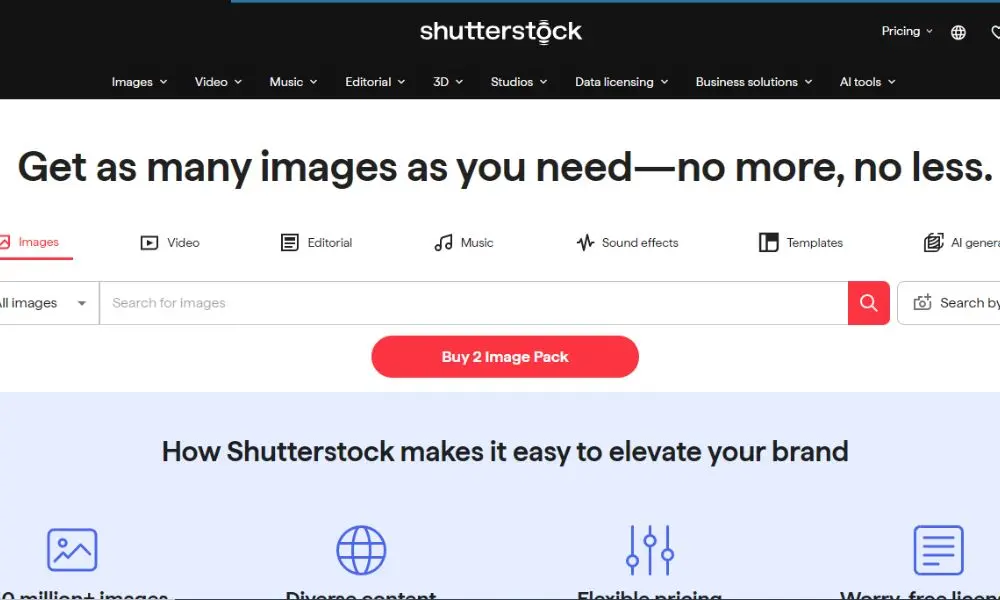
Shutterstock provides varieties of images of different categories. You can search your preferred images by uploading a sample image, or you can search by putting text in the search box. You can enjoy high-quality royalty images on its premium version. However, it offers access to some royalty-free images for random use.
How Reverse Image Search Helps
Once you upload the sample image or URL of the image, it scans the sample images based on their shape, color, size, and image description. The mechanism is known as the content-based image retrieval (CBIR) process. The image search tools use various algorithms to find the best results.
Traditional CBIR image search techniques
Traditional image search techniques rely on feature extraction by semantic content analysis of the image. It is categorized into two major features, such as global and local.Global features of the image specify the detail of the image and what it is exactly. Local features of images reflect the visual patterns or structures, such as edges, image patches, or points.
Artificial intelligence-based CBIR image search techniques
Reverse image search tools take help of artificial intelligence-driven image search techniques. In the recent era of technical advancement, CBIR applies deep neural networks for reasoning and solving your queries. The traditional CBIR search techniques depend on predefined features for extraction, but Deep Convolutional Neural Networks (DCNN) fetch the features from images instantly when a user sends a query.
Why should we use reverse image search tools?
Reverse image tool, an essential image search technique for gaining a competitive advantage. It gives you the chance to see whether an image selected by you is already used by your competitor or not. Moreover, the reverse image search tools give you the original source of the image that you can refer to on your site. Otherwise, you may face a copyright issue, and it can potentially hamper your brand image.
Final Thoughts
Placing an attractive, visually appealing image on your website draws the attention of readers. It gives a quick idea of what your piece of writing is going to discuss. Knowing the effective image search techniques is crucial for search engine optimization. It makes your reader engaged with your content and enhances traffic. Moreover, giving reference to the sources of the image gives credit to the author and keeps you free from copyright issues. Using premium image search tools, you can also place a unique image with full rights of royalty. It protects your brand image and trustworthiness.
Frequently Asked Questions (FAQs)
Q1. What are the main algorithms used in image search techniques?
The main algorithm of image search tools is feature extraction, indexing of images, and assessing similarity.
Q2. Can I use reverse image search tools for free?
Yes. You can use the images displayed by the tools on your site for free, but give the reference of the original source to stay away from copyright issues.
Q3. What is the difference between a simple image search and a reverse image search?
A simple image search gives you the image after providing the keyword, but in a reverse image search, you have to upload a sample image to get the desired search result.
Q4. Can I use the image search tool in the mobile app?
Yes. Image search tools are available in mobile apps also. For example, Google Lens provides a wonderful user interface in the Android app and iOS devices used for image search.