In today’s digital landscape, simply creating content isn’t enough—you need to be visible on search engines to attract traffic. That’s where the right SEO tools for websites come in. These tools save time, uncover technical issues, guide keyword strategies, and help your content rank higher. Whether you’re running a personal blog, managing a business site, or working with clients, using the right SEO tools can boost your online presence and performance. From keyword research and site audits to backlink tracking and competitor analysis, these tools have become essential for anyone serious about improving their website’s visibility and success.
What Are SEO Tools and Why Are They Important?
SEO tools for websites are software platforms that help you track how your website performs in search engines. They cover everything from technical site health to keyword performance and backlink profiles. Instead of guessing what Google wants, you get real data on what’s working and what’s holding your site back.
Using these tools saves time and improves accuracy. You’ll be able to:
- Identify site issues that hurt rankings
- Discover new keyword opportunities
- Analyze what your competitors are ranking for
- Measure the impact of your SEO work over time
These insights lead to smarter decisions and better results—especially when you’re working with limited resources.
The Best SEO Tools for Websites to Try Right Now
Choosing from hundreds of SEO platforms can feel like too much. So here are the most recommended tools in 2025, broken down by what they’re best at.
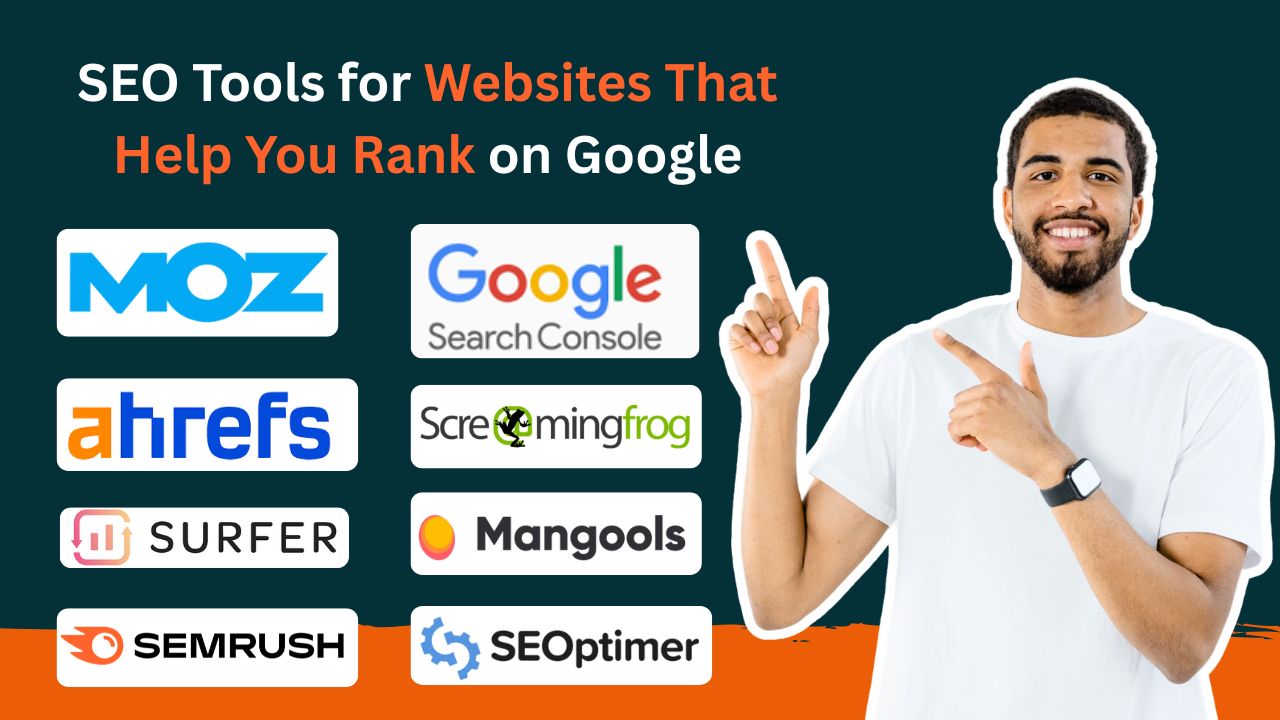
SEMrush – Full-Feature SEO Suite
A top choice for digital marketers and agencies, SEMrush offers everything you need in one place: keyword tracking, site audits, competitor analysis, backlink monitoring, and even content planning. The interface is clean and offers easy-to-understand reports.
Ahrefs – Best for Backlink Analysis
If backlinks are your priority, Ahrefs should be on your list. It has one of the largest backlink databases available, making it a top-tier choice for building authority and understanding your competitors’ link profiles. It also offers a solid keyword explorer and site audit features.
Moz Pro – Smart Optimization Support
Moz Pro balances ease of use with powerful data. It’s especially beginner-friendly and offers rank tracking, on-page recommendations, and technical audits. The Page Optimization tool is a favorite for users looking for direct, actionable insights.
Google Search Console – Free and Essential
Every site should be connected to this. Google Search Console is free and lets you track performance in search results, see what keywords bring visitors, and get alerts about issues affecting indexation or user experience.
Screaming Frog – The Tech Fixer
This desktop crawler digs into your site and helps you fix technical issues fast—like broken links, redirect chains, and duplicate content. It’s a favorite for SEO specialists working with large sites that need regular audits.
Surfer SEO – Content Optimization Partner
Writing content that ranks is easier with Surfer SEO. It gives suggestions based on top-ranking pages for your target keywords—like word count, heading usage, and secondary phrases. A must-have if you publish blog content regularly.
Mangools – Perfect for Beginners
Mangools offers a clean interface and focuses on five essential tools: keyword research, SERP analysis, link tracking, and more. It’s easy to learn, affordable, and great for freelancers or bloggers just getting into SEO.
SEOptimer – Quick and Simple Audits
If you want a quick report on how your site is doing, SEOptimer gives you a breakdown in seconds. It covers everything from meta tags and speed to usability and security.
Key Features to Look For
When picking your tool, make sure it includes these features:
- Keyword Research: You want tools that help you find keywords people are searching for, plus related terms and difficulty scores. SEMrush, Ahrefs, and KWFinder are excellent here.
- Technical Audits: These help spot broken links, crawl errors, missing metadata, or slow load times—all of which impact search rankings.
- Backlink Monitoring: Knowing who links to your site (and your competitors) helps you build authority and find new opportunities.
- Competitor Insights: Seeing where others rank lets you identify gaps and focus on content or links that give you a competitive edge.
- Ease of Use: If the tool isn’t user-friendly, you won’t use it. Look for platforms with clear dashboards and good support.
How to Choose What’s Right for You
Start by understanding your own goals. Do you want better content? More backlinks? Fewer errors? That clarity will guide you.
If you’re working on a tight budget, start with free options like Google Search Console or affordable tools like Mangools. If you manage multiple clients or large-scale campaigns, go with all-in-one platforms like SEMrush or Ahrefs.
Most importantly, test before committing. Most tools offer a trial or freemium version. Use that time to check if it fits your workflow and helps you get real results.
How to Use These Tools Effectively
Just owning the software won’t improve your rankings. You need to make it part of your regular workflow:
- Run audits monthly to keep your site clean
- Track keywords to spot trends early
- Optimize content using on-page tools like Surfer SEO
- Monitor backlinks for growth or spam risks
- Share reports with your team or clients to stay aligned
Consistency is key. SEO doesn’t give overnight wins, but steady attention pays off.
Mistakes to Avoid
Some people rely too much on their tools and forget to use common sense. Here’s what to watch out for:
- Blind Trust: A keyword score or audit grade is just a starting point. You still need to assess the context.
- Irregular Use: Tools are most useful when used regularly. Monthly checks help you catch problems early.
- Misread Data: A drop in rankings might look bad, but always look deeper—was it just a seasonal change or algorithm update?
- Forgetting the User: Don’t get so caught up in SEO that you forget about the reader. UX still matters just as much.
Frequently Asked Questions
Q1: What is the best free SEO tool?
A: Google Search Console. It’s free, accurate, and directly from Google.
Q2: How often should I audit my site?
A: Ideally once a month for active websites. At least once a quarter for low-maintenance sites.
Q3: Can these tools guarantee top rankings?
A: No. They support your strategy, but your content quality, backlinks, and consistency matter most.
Q4: Should I pay for premium tools?
A: If you’re serious about SEO, yes. Premium tools offer deeper insights and save you time.
Q5: How can I stay updated?
A: Follow tool blogs, join SEO forums, and subscribe to newsletters from trusted marketing sources.
Final Thoughts
There’s no magic bullet in SEO, but the right tools can make a big difference. Whether you’re a content creator, entrepreneur, or agency, using SEO tools for websites will help you work smarter, track progress, and improve your site’s visibility in search results.
Just remember tools are only effective when you use them well. Combine smart strategy, consistent effort, and the power of data, and you’ll start seeing results that last.