You can be a writer working for agencies, a student writing academic papers, or just writing for a hobby. Ever wondered if you’re writing what isn’t your words? Can inadvertently appear as someone else’s idea. This is where plagiarism tools become saviors, and help prevent plagiarism and help you know your content’s originality scores. However, there are so many free options available. The main question is: which type of tool to go with? The right plagiarism checker can save you a lot of stress and help make your content 100% original. We will break down the best free plagiarism checker, how they perform, and how they are different. Read to know more:
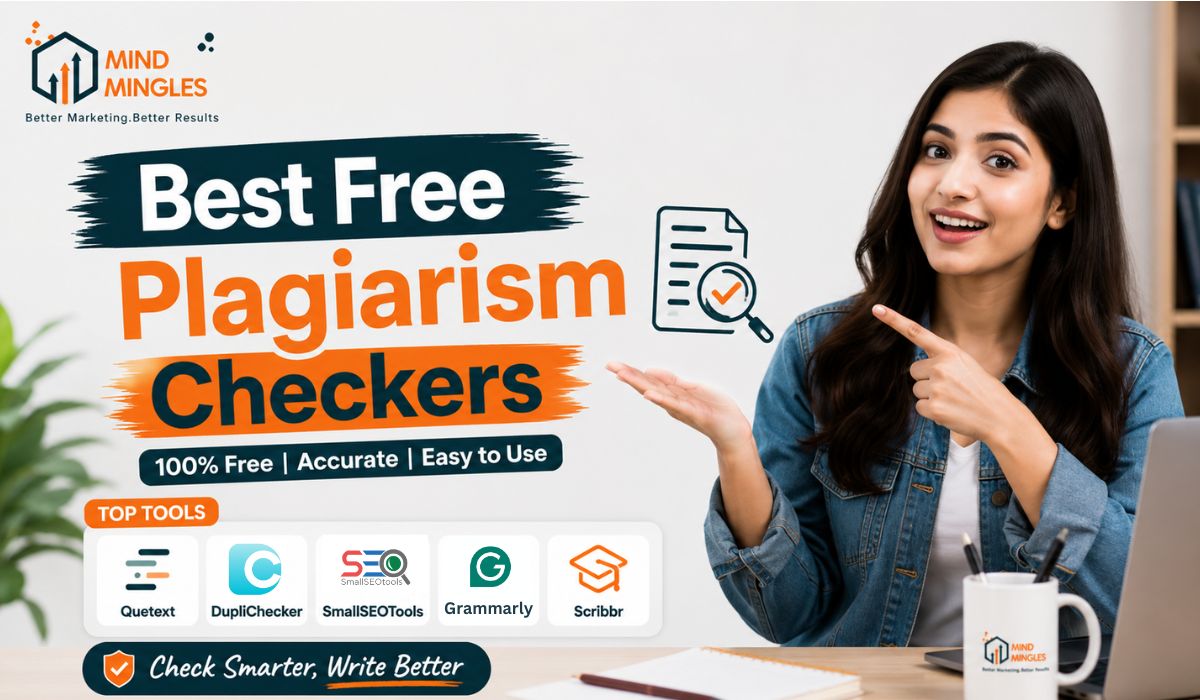
Best Free Plagiarism Checker Tools
Sometimes it becomes difficult to know whether a sentence sounds too similar to something already available online. That’s where plagiarism checkers can help you review your content properly before you submit, publish, or share it anywhere. Let’s have a look at some of the best free plagiarism checker sites below:
Scribbr
While writing a blog or an article, it’s normal to think about whether your words are original or not. You might have read something somewhere, and you forgot you read it. As a result, you unknowingly copied the same phrase in your piece. To prevent this, Scribbr will help you to scan your content against huge databases of web pages, journals, academic papers and books to detect any possible similarity issues. It will help you with not just flagging copied results. It will also help you understand the problem, how to fix it, and make the writing clean and credible.
Features:
- It will help detect similarities across academic papers, books, and web content
- It will help to find missing citations
- The tool supports different citation styles like APA, MLA, and Chicago
- You can get the benefit of AI detection and a grammar checker feature
- You can compare your new edited work with the previous flagged one, with its detailed summary report
- Free version offers limited preview checks before payment
Copyleaks
Copyleaks is a widely used plagiarism checker tool, which compares your text against billions of sources across the whole internet. The platform will check your blogs, academic journals, research papers, or internal databases for similarities. So, if someone changes some words or rewrites a few sentences to make the content look new, Copyleaks can flag the hidden patterns properly. It is the best free plagiarism checker for academic writing, professional writing, SEO content, or AI- generated text. But the main limitation is that it is very costly and offers few checks only.
Features:
- It has very advanced AI-powered plagiarism detection with high accuracy
- It will scan web pages, academic journals, and massive databases (60T+ sources)
- The tool has a powerful feature of detecting paraphrasing, rewriting, and character-level changes
- Free version supports around 1,000 words per search
- It will give reports with source links of the copied content
- It supports 30+ languages
- The tool works well if you have a paid version for advanced and unlimited checks
DupliChecker
Duplichecker is the best free plagiarism checker tool if you want to do basic checking of your text. All you need to do is paste the content in, and it will quickly compare your text with different online sources to find duplicate lines. The platform is very simple to use, beginner-friendly, and useful for anyone who wants to perform quick checks.
Features:
- You get percentage-based results.
- Scan billions of webpages and online context sources
- It supports different file formats like docs, PDF, etc.
- It highlights the matched text for easy editing.
- You can buy deep search technology for more advanced checking.
- You can check plagiarism via text or URL input
- You have the option to download the reports.
Copyscape
It is an old-school checker as compared to other plagiarism tools. It will detect even the small matches. You can drop the text or a URL in a text box, and it will give you the highlighted text. It is the best tool for bloggers, publishers, and SEO experts for serious originality checks.
Features:
- You can check files with a URL or text input
- It will highlight the text with a side-by-side comparison with the original text
- The free version is only for basic URL checks
- The premium version offers deeper scans and a file uploading option
- Batch search option for multiple pages at once
- You have the private index feature to check your own content database
- Copysentry service is present for automatic plagiarism monitoring over time
Grammarly
Writing a piece of blog or even thoughts is not about getting things and grammar right. It is also about sounding like yourself and not someone else’s work. Grammarly act as your personal writing assistant, which helps you by correcting your grammar, syntax, and style. But apart from being a grammar checker tool, it also helps detect plagiarism in your documents. It is the best free detector out there for basic scans and supports integration across multiple platforms.
Features:
- It has an in-built plagiarism checker to keep your document original
- You can adjust your tone with its tone detection feature
- You also get citation support for APA, MLA, and the Chicago Style.
- It is compatible across Google Docs, emails, browsers, and apps
- You get AI-powered grammar, spelling, and punctuation correction options
Small SEO Tools
Small SEO Tools is a fast and simple tool. The plagiarism checker will help you spot copied or similar text by highlighting the part. It is the perfect option for everyday users who need to keep their content clean and publish-ready. The website may become slow and give inaccurate results at times.
Features:
- 100% free online plagiarism checker tool
- Works by copying and pasting text or uploading a file
- You will get percentage-based plagiarism results
- You will get matched text for simple editing
- The platform is simple to use.
- Free version supports around 1,000 words per check
CopyChecker
You may want to see if your content is too similar to something that’s already online, then CopyChecker can be of assistance. You can copy and paste your text, upload a document and receive a simple report that displays the matched lines and the similarity percentage. It is primarily used by students, bloggers, and writers to do a quick originality check before submitting or publishing their work.
Features:
- After scanning your content, it displays the similarity percentage.
- Highlighting matches sentences, which will make it easier to edit.
- Allows both pasting text and uploading files
- Can be used to check articles, assignments, blogs, and website content.
- It is easy to understand even for beginners because of its simple layout
- A free version features with limited word checks and scan access.
Quetext
Quetext is a plagiarism detector that assists you in identifying copied or closely matched content. Students, teachers and bloggers and freelance writers generally use this tool to make sure their blog posts are unique. It points out the similarities in sentences and provides a readable report to help in editing.
Features:
- Identifies plagiarism and paraphrasing.
- Let’s users perform more advanced plagiarism detection using DeepSearch™ technology
- Highlights are added to the text with different colors for easier review.
- Provides a similarity percentage as well as detailed scan reports
- Free version allows around 500 words per scan
Free vs Paid Plagiarism Checkers: What’s the Real Difference?
All plagiarism checkers are not equal. Free tools can be good if you want basic scans and a simple understanding of copied text. Whereas paid ones are more comprehensive with better databases, accuracy, and reporting. Let’s have a look at the comparison table so you know which one is best, the free plagiarism checker or the paid one:
| Feature | Free Plagiarism Checkers | Paid Plagiarism Checkers |
| Accuracy | You get basic scans | You get higher accuracy with advanced results |
| Database Access | Limited sources (mainly web content) | It will search against different sources like academic databases, website blogs, etc. |
| Paraphrase Detection | Limited or weak | Advanced detection |
| Speed | Fast but only basic results | The scan may take some time, but it will give advanced results |
| Reports | Simple percentage-based results | Detailed reports |
| Extra Features | A few additional tools | Grammar check, AI detection, citation help, and integrations |
| Best For | Students, bloggers, quick checks | Researchers, professionals, publishers |
Conclusion
Selecting between the free and paid plagiarism checker tools can depend on your choice and needs. If you are looking for quick checks for your blog posts, assignments, or writing, free tools are good for you. But if your work needs deep checks for important work like research work, publishing, or something where accuracy matters more, paid tools will be better and more helpful for you. So the best free plagiarism checker depends on your requirement.
Plagiarism checkers, whether free or paid, play an important role in protecting originality and maintaining writing quality. So, choose the one that will work for your work and help prevent your creativity from becoming a plagiarism problem.
FAQs
1. Are free plagiarism checkers accurate enough for professional use?
You can find basic similarities with the free tools, but if you have to scan more important documents like research papers or publications, go for a premium version for more accurate results.
2. Are the plagiarism checkers able to identify paraphrased material?
Yes, some advanced tools can easily detect paraphrased documents or rewording. However, free tools may fail to do so.
3. Do plagiarism checkers store my content online?
This will depend only on the tool. Some may store your submitted text, others say they don’t store any of your data. You should always read the privacy policy.
4. Is it safe to use multiple plagiarism checkers for one document?
Yes, more tools can provide a wider coverage because they use different sets of databases and detection methods.