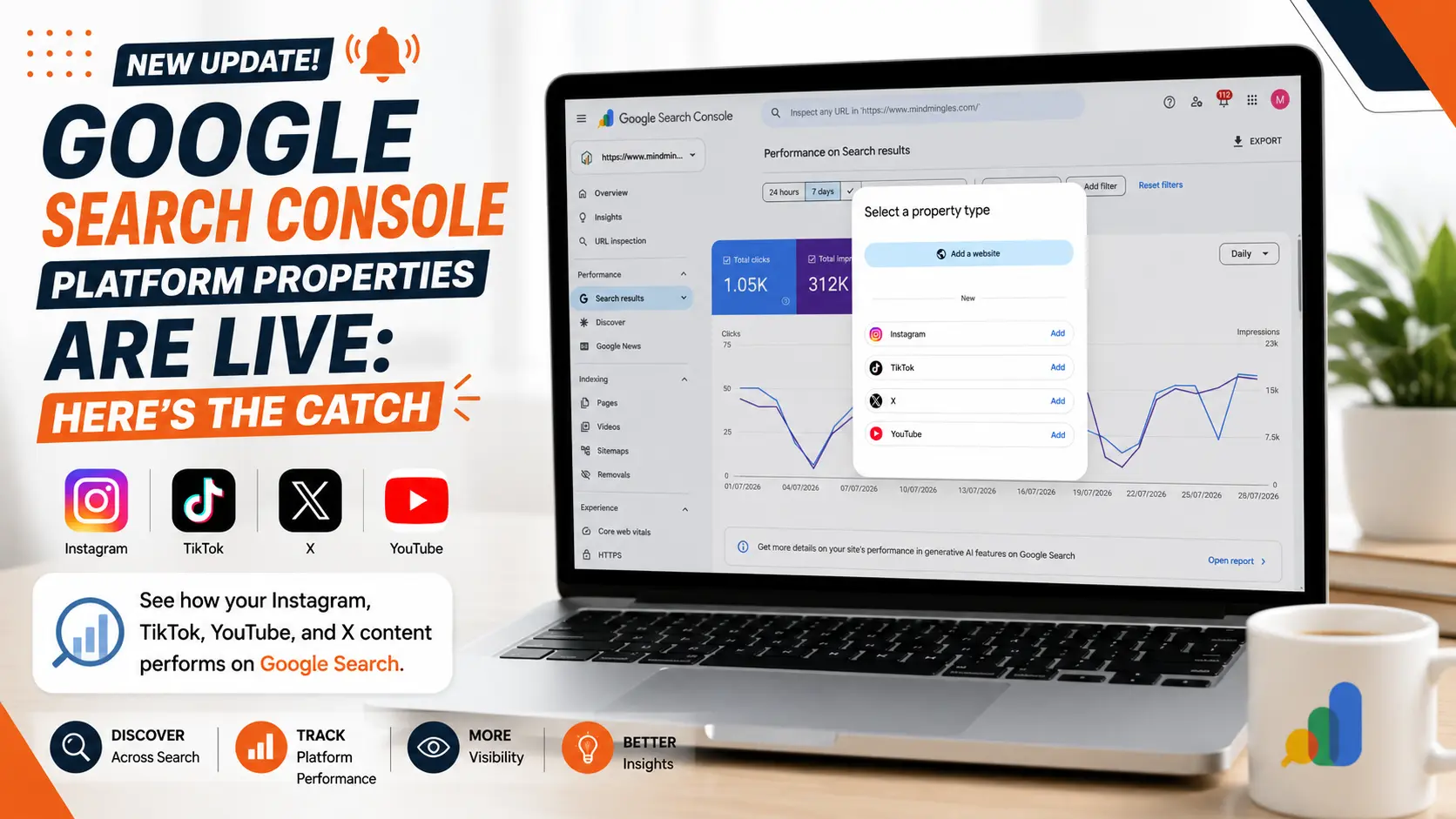
Google Search Console Platform properties are now live for everyone, everywhere. If you post content on Instagram, TikTok, YouTube, or X, you can finally see how that content performs on Google, not just inside the app you posted it on.
For years, Search Console only told you one story: how your website showed up in Google. Everything you published elsewhere was a blind spot. You could see likes and views inside each app, but never the searches that actually led people there in the first place. That gap is now closed. Whether you run a brand account, a personal channel, or manage social for clients, you can pull real search data straight from the platforms you already use.
Here’s a simple, no-fluff explanation of what they are, what changed, and how to actually use the data.
What Are Google Search Console Platform Properties?
This is a new property type inside Search Console. Instead of only tracking a website, it lets you track a social or video account and see how its content shows up across Google Search, Google Discover, and Google News.
In simple terms: you connect your Instagram, TikTok, YouTube, or X account, and Google shows you which searches led people to your posts and how those posts performed once they got there.
Rollout Timeline: How We Got Here
Google didn’t launch this everywhere at once. Here’s the timeline:
- December 2025 – Google quietly tested social channel reporting with a small group.
- July 7, 2026 – Google officially introduced Platform properties, rolling them out in stages to Search Console accounts.
- July 29, 2026 – Three weeks later, Google Search Console Platform properties became globally available to everyone, along with a new guide on how to read the data.
So if you didn’t have access earlier this month, you should now.
Which Platforms Are Supported?
Google Search Console Platform properties currently support four platforms:
- TikTok
- YouTube
- X (formerly Twitter)
Google hasn’t confirmed additional platforms yet, but this list could grow over time.
What Shows Up in Google Search Console Platform Properties?
Once you connect an account, Search Console breaks the data into three reports, each answering a different question about your content.
- Performance report: Your core numbers: clicks, impressions, click-through rate, and average position. This works exactly like the Performance report on a website property, except every row is tied to a post instead of a page.
- Insights report: Your quick-glance summary. It surfaces which of your posts are getting found right now, plus query groups marked as top, trending up, or trending down; a fast way to spot what to make more of.
- Achievements report : Your growth tracker. It flags milestones as you hit them, like crossing a new total for clicks from Google Search, so you have a running record of progress over time.
How Google Says You Should Use the Data
Along with the global rollout, Google published a guide with specific ways to read your Platform properties data:
- Check query groups. The Insights report groups your search queries into top, trending up, and trending down. Use these to plan your next video topic, caption, or hashtag.
- Use the 24-hour filter. This catches sudden search traffic spikes on recent posts while you still have time to cross-promote them elsewhere.
- Compare platforms side by side. Export data from each connected account and compare YouTube, Instagram, X, and TikTok performance in one spreadsheet.
- Spot older content regaining traction. If an old post starts getting search traffic again, consider pinning it or making a follow-up.
- Add annotations. Mark the date you changed a title or caption, then compare performance before and after that point.
- Use comparison mode. View two data sets side by side. For example, long-form YouTube videos against Shorts, or Instagram posts against Reels.
What Google Search Console Platform Properties Don’t Show
This still isn’t a replacement for native analytics. Platform properties won’t show:
- In-app views, likes, or shares
- Follower or subscriber counts
- Watch time or engagement rate inside the app
They only show what happens when someone finds your content through Google Search, Discover, or Google News nothing about activity inside the platform itself.
Why This Update Matters
Before this, social platforms could tell you how content performed on their own app. They couldn’t tell you what someone typed into Google before clicking through to your post. Google Search Console Platform properties close that gap by showing real search terms tied to content you publish off your own website.
This matters most for:
- Creators without a website — You now get real search visibility data for the first time.
- SEO teams and agencies — You can finally report on social and video visibility with real numbers, not guesses.
- Content marketers — You can see which topics and formats actually get discovered through search.
How to Add a Platform Property
- Open Google Search Console.
- Click the property selector.
- Select “Add Property.”
- Choose the platform you want to connect.
- Verify and connect your account.
Note: If your account is verified through a claimed Search profile, Google will include it in Search Console automatically no extra setup needed.
Limitations to Keep in Mind
- Only four platforms are supported for now.
- Data reflects Google Search, Discover, and Google News visibility only, not in-app performance.
- Comparisons using annotations are a before-and-after view, not a formal test.
Final Thoughts
Google Search Console Platform properties mark a real shift in how content visibility gets measured. Search is no longer just about web pages; it now includes the videos, reels, and posts you publish everywhere else. If you create content across multiple platforms, this is the first time you can see, in one place, exactly how Google is helping people find it.
Frequently Asked Questions (FAQs)
Q. Do I need a website to use Platform properties?
No. This is the biggest change from how Search Console has always worked. You can connect an Instagram, TikTok, YouTube, or X account on its own, with no domain or website required.
Q. How do I verify a platform property?
Verification works one of two ways: automatically, if the account is already linked to a website property you’ve verified, or by logging into the platform account directly and confirming ownership through Google.
Q. Why don’t my numbers match what I see on TikTok or Instagram?
Because the two tools are measuring different things. Search Console only counts activity that happens through Google Search, Discover, and Google News. In-app views, likes, and shares from inside TikTok or Instagram itself aren’t included.
Q. Why can’t I see the Platform properties option yet?
Even though the rollout is global now, some accounts may see it appear a little later than others as Google finishes distributing it. If it’s missing, check back in a few days before assuming there’s a problem.
Q. Can I use Platform properties alongside my website property?
Yes. Platform properties don’t replace your website property; they sit next to it. You can manage both from the same Search Console account and switch between them using the property selector.